Vendor Due Diligence
Part of AdTech vendor due diligence
Checking integration documentation before a vendor pilot
Review access, schemas, errors, quotas, versions and sample outputs before starting an AdTech vendor integration pilot.
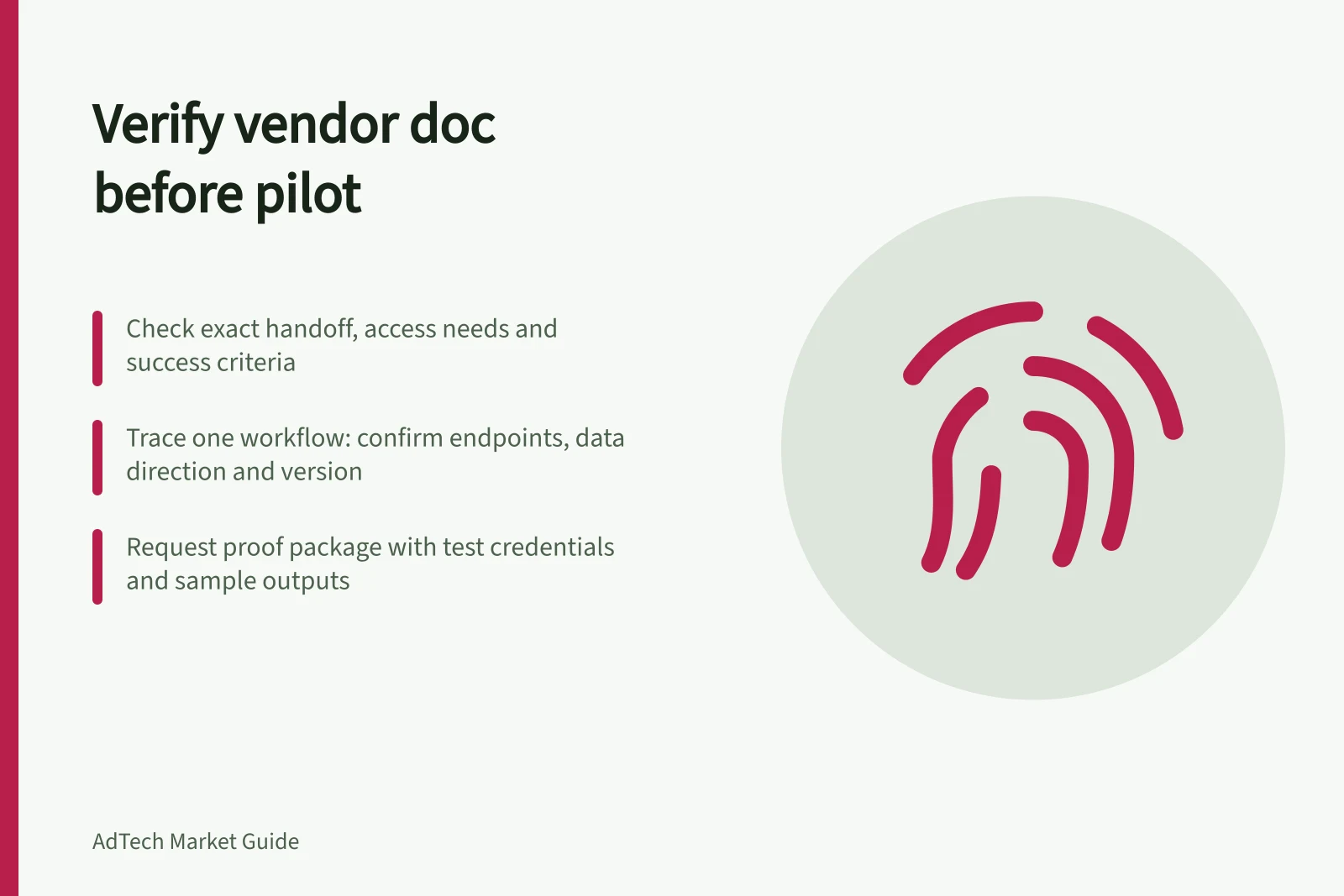
Before a vendor pilot, check that the documentation covers the exact handoff your team must build, the access it needs and the output that counts as success. A feature page or API index shows an interface exists; it does not prove your account can use the required fields and methods.
Trace one pilot workflow
Choose a representative task, such as reading a campaign object or retrieving the acceptance report. Ask the vendor to identify each endpoint or file, the direction of data, its owner, a redacted example and the specification version.
Area / What the documentation should answer
- Access
- Account eligibility, roles, authentication and credential owner
- Schema
- Required fields, IDs, units, allowed values and sample payloads
- Behaviour
- Validation, errors, retries and duplicate handling
- Capacity
- Quotas, file limits and relevant timing expectations
- Change
- Supported version and notice or migration route
- Operations
- Test environment, monitoring, support and escalation
Treat a missing essential answer as a pilot dependency, not an assumed capability.
Key Documentation Requirements vs. Common Gaps in AdTech Vendor Pilots
- Access
- Account eligibility, roles, authentication, credential ownership
- Schema
- Required fields, IDs, units, allowed values, sample payloads
- Behaviour
- Validation rules, error handling, retry logic, duplicate management
- Capacity
- Quotas, file size limits, timing expectations (e.g. throttling)
- Change
- Supported API version, deprecation notice, migration path
- Operations
- Test environment access, monitoring tools, support escalation paths
Read examples within their limits
Google’s Display & Video 360 API documents a line-item read method using advertiser and line-item IDs and an OAuth scope. Its limits page documents project and advertiser quotas and a throttling response. These pages help an integration owner check proposed credentials and request pattern; they do not confirm access for a particular account.
For reports, the Bid Manager API requires filters, dimensions and metrics compatible with the report type. A successful query with one set of fields does not prove the pilot’s requested breakdown can be generated. Request an example using its exact fields. Check the proposed API version against the vendor’s current support and deprecation information.
API Usage Limits for Google Display & Video 360 (as of 2026)
- 429Throttling response code
- 100MBMaximum report file size
Request a proof package
Ask for a sandbox or authorised test route where available, suitable credentials, example success and error responses, and a sample output. The integration owner should be able to distinguish invalid input, access failure, quota response and a missing report field.
Define acceptance at the actual handoff: for example, an authorised test object can be read and the agreed report retrieved with its required dimensions. Record anything that cannot be checked before live access. Start a bounded pilot when the essential route, permissions, schema, limits and support owner are documented; hold an affected integration while a critical input or output remains undefined.