Vendor Due Diligence
Creative management technology
Understand how creative management handles assets, dynamic templates, feeds, approvals and fallbacks, and when each approach suits a campaign.
Creative management technology helps teams build, approve, organise and update digital ad creative. It is most useful when a campaign needs many sizes, messages or product variations. The first decision is whether to manage those variations as finished creatives or as controlled content within reusable templates.
What it manages
A campaign may involve source artwork, copy, product details, templates, destinations and approved versions for different placements. A useful workflow links those parts so the team can see what was approved and what is live.
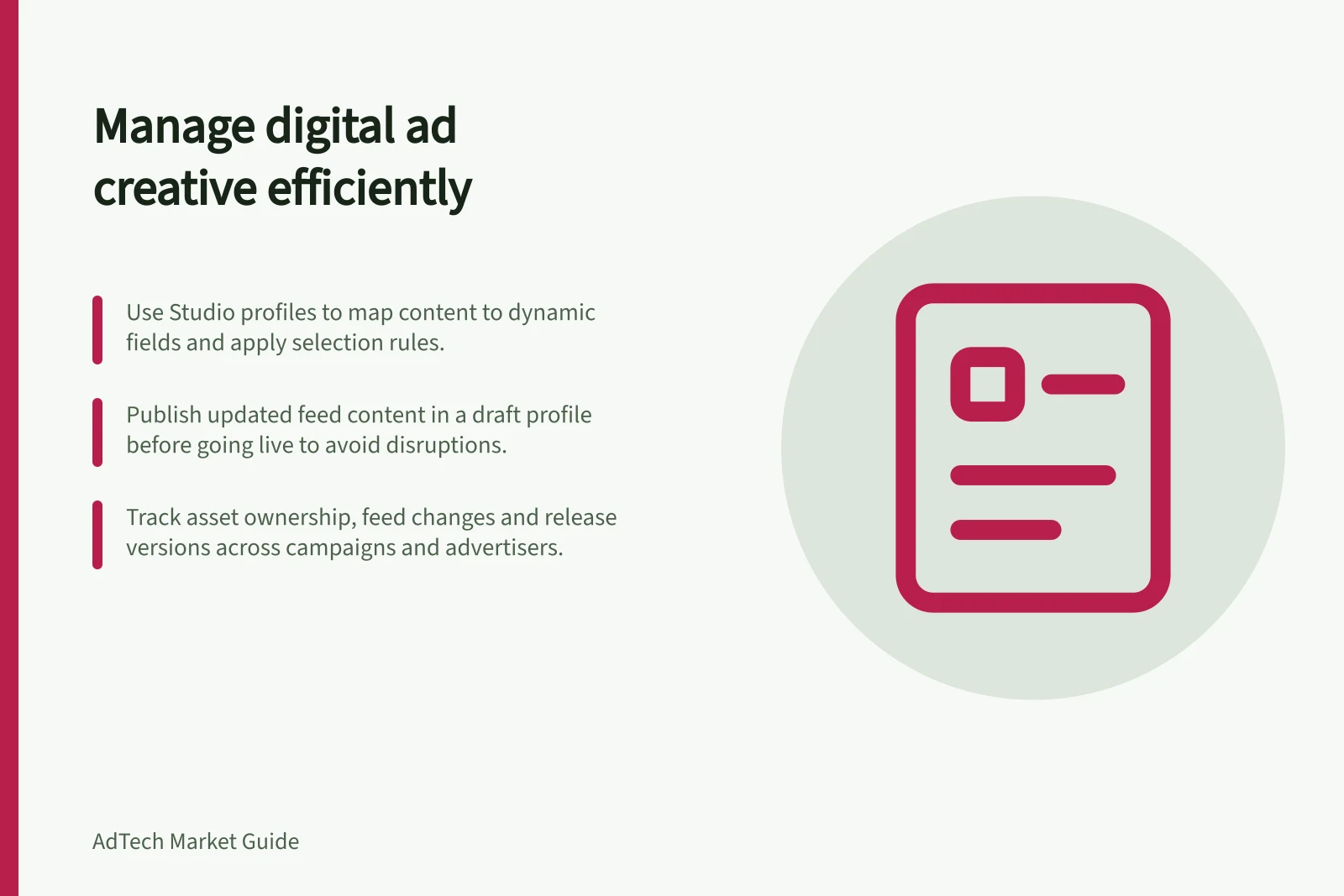
Dynamic creative adds content selection to that workflow. In Google's Studio implementation, an HTML creative supplies the frame; a Studio profile maps elements to profile fields or feed content and applies selection rules. Studio documents dynamic creative for Campaign Manager 360 users, not Google Ad Manager users. Other products differ in capabilities and access requirements.
An ad server can also rotate finished creatives. Campaign Manager 360, for example, can choose among creatives assigned to an ad. Dynamic creative is useful when variation belongs within a reusable creative and the team can govern the permitted content and combinations.
Choose an operating model
| Campaign need | Starting approach | Question to settle |
|---|---|---|
| A few fixed messages | Finished creatives and ad-server rotation | Can the team maintain each approved version? |
| Many controlled combinations | Template, content source and selection rules | Who approves the combinations and defaults? |
| Product-specific remarketing | The platform's product feed and item-matching process | Do item IDs, events and destinations agree? |
These are planning options, not features every vendor promises. Google Ads dynamic remarketing uses item details from a feed and connects viewed-item IDs to feed entries. Retail product feeds use Merchant Center; other supported business types use Google Ads business data.
That setup differs from a Studio creative profile. Check the formats, account access and feed requirements of the product you plan to use.
Finished-creative rotation has operating rules too. In Campaign Manager 360, a creative must be within its start and end dates and included in rotation to serve. Available settings include sequential order, even rotation and optimised rotation, which can favour better-performing creatives.
Plan ownership and releases
For each dynamic field, record its owner, permitted values, update process and approver. In a product campaign, check the item ID, title, image, destination, displayed price and eligibility. A template cannot correct a mismatched ID or an outdated offer.
Keep a release record connecting the approved asset, template, feed snapshot, profile and ad-server assignment; they can change at different times. Studio supports preparing feed-content changes in a draft profile, previewing them and publishing the profile. Its guidance calls for a separate revision process when creative assets, feed structure or profile settings change. Changes to creative assets may affect a live campaign unless you follow the prescribed revision process.
Studio uploads feed content to its ad server, which loads stored content rather than calling the source file on each impression. That does not by itself establish what happens if the source feed becomes unavailable.
For a live Studio feed-content update, work in a draft profile while the published version keeps serving. Retransform the updated feed, preview it, then publish the profile; Google’s guidance says updated content can take approximately 30 minutes to 1 hour to appear in Campaign Manager 360.
Defaults may need to cover more than an unmatched audience rule. Studio guidance recommends considering separate defaults for each creative size and scheduled period, and checking that defaults exist in child feeds used for dependent selection.
Prepare the workflow
Before production, identify available data signals, choose a dynamic strategy and design creative concepts around it. The strategy determines whether content changes manually through profile fields or programmatically through a feed and content rules.
A Studio launch workflow includes creating the feed or profile fields, setting profile rules, uploading assets, previewing the creative, setting reporting dimensions, publishing, quality-checking assets and trafficking creatives in Campaign Manager 360. These are distinct hand-offs, so assign responsibility for each rather than treating creative approval as the whole release process.
Studio dynamic creative supports banners, expanding units, interstitials and VPAID Linear formats. Confirm the required format is supported before investing in a template or production process.
Google Studio dynamic creative support: formats and timing
- Supported formats
- Banners, expanding units, interstitials, VPAID Linear
- Asset storage method
- Content stored on Google’s ad server (not sourced per impression)
Check asset access and reuse
Studio’s Asset Library organises images, videos and other creative files, but dynamic campaign assets are tied to an advertiser. An asset uploaded for one advertiser cannot be used for another; teams must upload it again under each advertiser that requires it.
Before sharing an existing Studio feed with another profile, check who depends on it. Changes to a shared feed affect every Studio profile using it, so a seemingly local content update can alter more than one campaign.
Evaluate the result
Ask whether reporting identifies the content variation as well as the creative. Keep variation labels and release versions in the team's change record. Compare results only where variations had a reasonable opportunity to serve under the same rules.
A useful vendor demonstration should use the campaign's required formats, approval path, update process and fallback cases. A preview shows how a configured variation renders; it does not establish what every live impression will show.
In this guide
- Comparing dynamic creative systems with ordinary ad servingCompare what ordinary ad serving and dynamic creative each select, control and report before choosing a workflow for ad variations.
- Mapping a product feed into dynamic ad templatesMap item IDs, images, copy, prices and destinations into dynamic ad templates, then validate variants, defaults and publication.
- Versioning creative assets across an ad stackTrack creative files, feeds, profiles and ad-server assignments as one release so updates and rollbacks are explainable.
- Testing fallbacks when a creative feed is unavailableTest source-feed outages, failed updates, unmatched rows and missing assets separately, then verify default content and ad-server fallbacks.