Verification
Part of AdTech data architecture
Distinguishing raw events from aggregated ad reports
Understand the grain and limits of event-level advertising records and grouped reports, and compare like with like.
An event-level record describes a recorded occurrence at a specified stage of ad delivery. An aggregated report groups values by selected dimensions and metric rules. Choose the level that answers the question: a daily total cannot show every underlying event, while counting event rows may not reproduce a dashboard metric.
Key facts about event-level and aggregated ad reporting
- Event-level grain
- Recorded at a specified stage of ad delivery
- Aggregated report focus
- Groups values by selected dimensions and metric rules
- “Raw” does not mean unfiltered
- It means records made available under product rules
- Use case for aggregated reports
- Pacing or finance decisions requiring totals
Identify what one row means
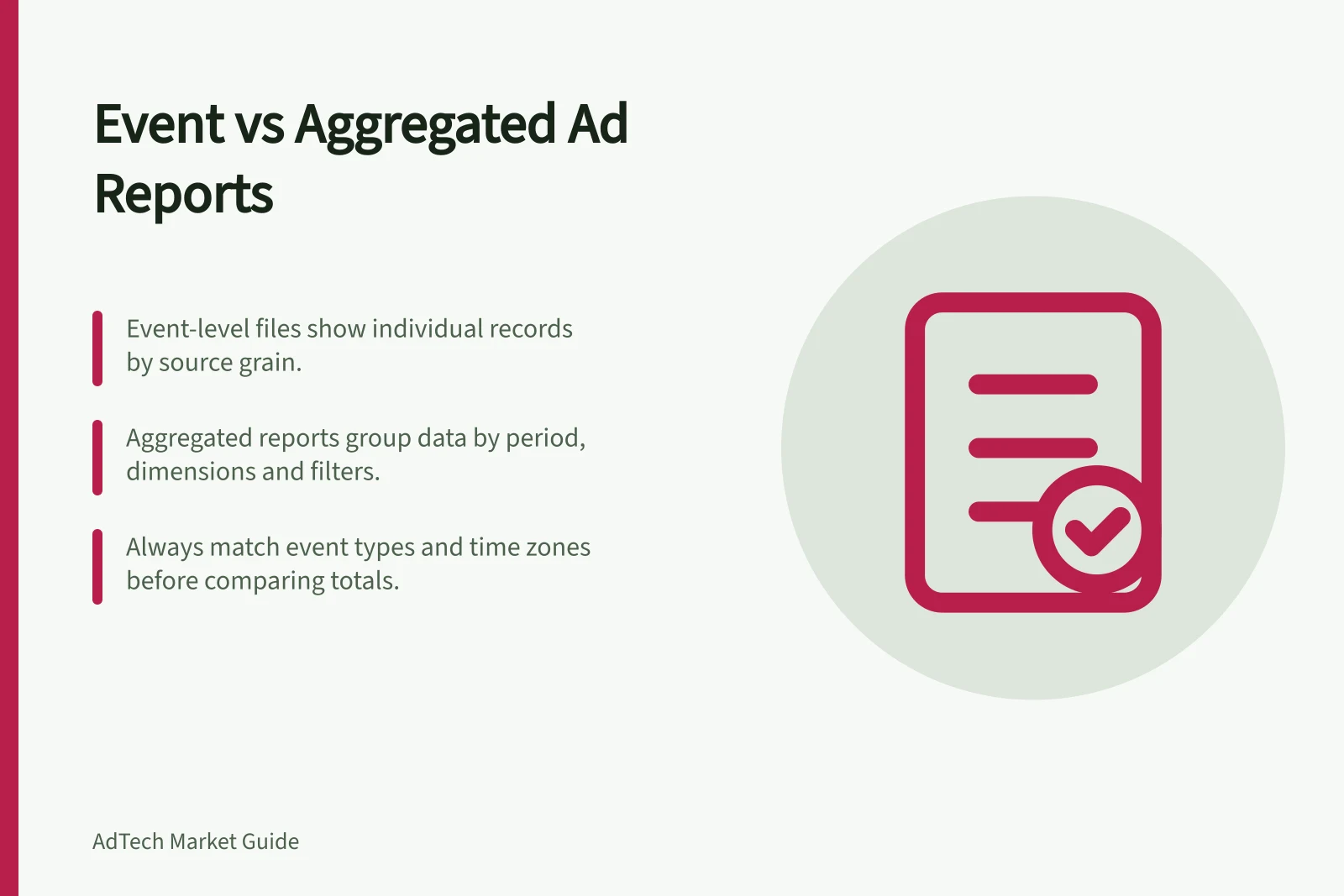
An event-level file contains individual records at the grain exposed by its source; the available event types and fields depend on that source. A grouped report instead supplies values for its selected period, dimensions, filters and measures.
| Question | Event-level file | Aggregated report |
|---|---|---|
| What is one row? | A record of a specified event type | A selected combination of dimensions and period |
| Can it trace a delivery stage? | Sometimes, if the required records and keys are available | Usually only through differences between grouped totals |
| Can it show a daily trend? | Yes, after an appropriate aggregation | Yes, if the metric and breakdown are supported |
| Main interpretation risk | Counting the wrong stage or an incomplete delivery | Treating a total as a complete event trail |
For example, Google Ad Manager Data Transfer reports provide an event-file source. Treat an individual record as having the grain exposed by its file. Check the file’s field definitions rather than assuming its fields or event meaning.
“Raw” does not mean an unfiltered account of everything that happened. It means records made available under that source’s product rules. An aggregate may be exactly what a pacing or finance decision needs.
Event-level files vs Aggregated reports: Key differences
- What is one row?
- A record of a specified event type
- Can it trace a delivery stage?
- Sometimes, if the required records and keys are available
- Can it show a daily trend?
- Yes, after an appropriate aggregation
- Main interpretation risk
- Counting the wrong stage or an incomplete delivery
- Aggregated report: What is one row?
- A selected combination of dimensions and period
- Aggregated report: Can it trace a delivery stage?
- Usually only through differences between grouped totals
- Aggregated report: Can it show a daily trend?
- Yes, if the metric and breakdown are supported
- Aggregated report: Main interpretation risk
- Treating a total as a complete event trail
Keep delivery stages distinct
Do not assume records for different delivery stages are interchangeable. A request, a creative response and an impression can represent different points in the delivery process; use the event definitions supplied for the source before linking or counting them. Counts can differ when sources count different delivery stages; do not apply a general adjustment factor.
Compare like with like
First record the report metric, period, dimensions, filters and time zone. Identify the event file and fields for the same counting stage. Confirm that the event records cover the same population before comparing totals.
Use the timestamp and time-zone definitions supplied for each source when assigning dates. Check whether both sides cover the same processing window; where data can arrive later or be revised, state a cut-off and revisit a provisional comparison when additional data is available.
Group the events to the report’s level only after checking their definitions. If a difference remains, check file coverage, event type, population, filters and counting rules. Leave any unexplained amount unresolved.
Use a grouped report for a supported trend or total. Use event-level records when the decision requires a traceable stage or custom grouping and the relevant files are available. Keep the source and counting rule beside either result.
How to compare raw events with aggregated reports correctly
- First record the report metric, period, dimensions, filters and time zone
- Identify the event file and fields for the same counting stage
- Confirm that the event records cover the same population before comparing totals
- Use the timestamp and time-zone definitions supplied for each source when assigning dates
- Check whether both sides cover the same processing window; set a cut-off and revisit provisional comparisons when additional data arrives
- Group the events to the report’s level only after checking their definitions
- If a difference remains, check file coverage, event type, population, filters and counting rules
- Leave any unexplained amount unresolved