Verification
Part of Ad servers and creative delivery
Understanding ad serving discrepancies between systems
Align ad-server reports, identify where counts separate and investigate tags and tracking without assuming a universal tolerance.
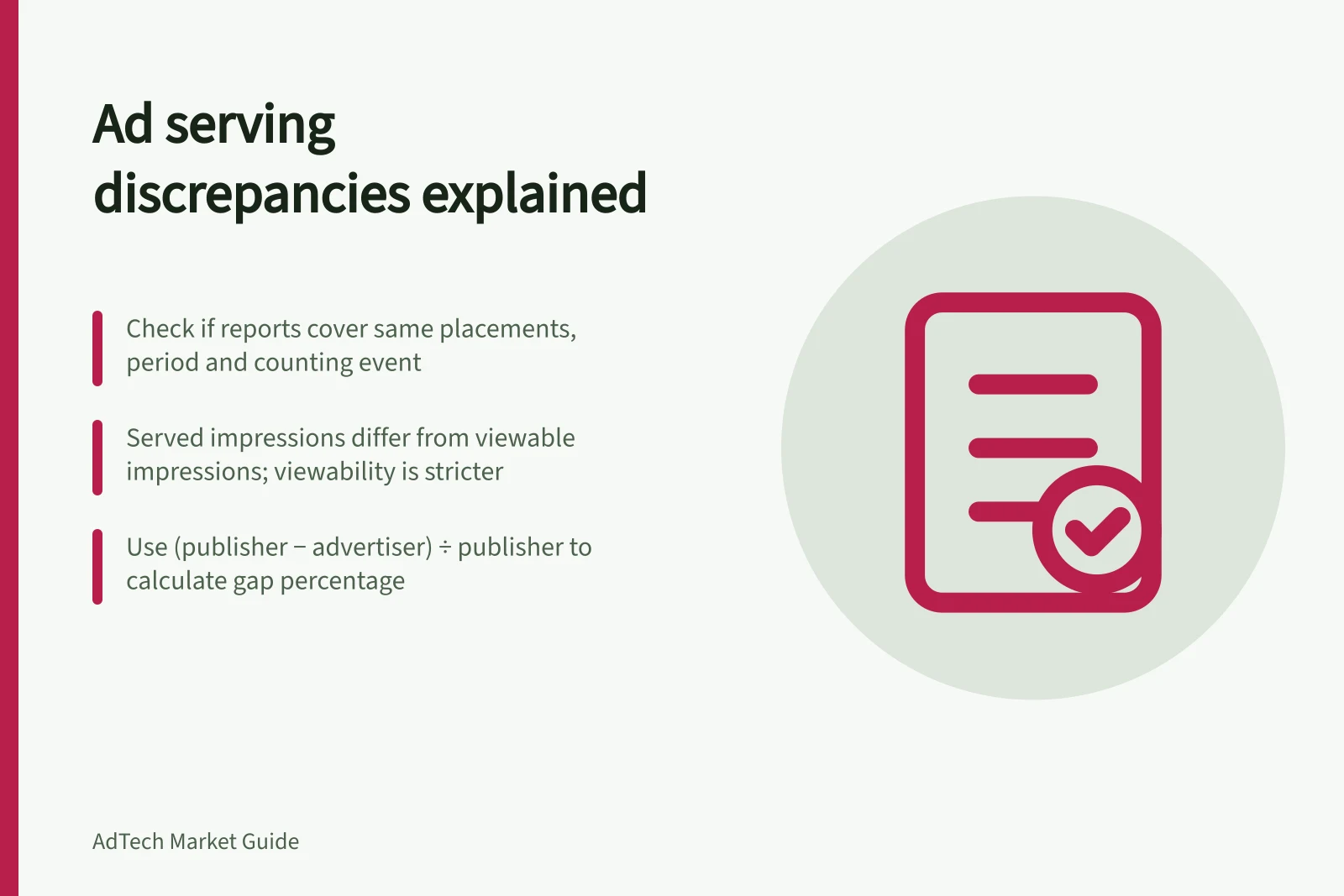
An ad-serving discrepancy is a difference between systems’ counts for apparently comparable delivery. First check whether the reports cover the same placements, period and counting event. A publisher’s selected creative and an advertiser’s recorded impression need not be the same event.
Counts can differ because an impression may be triggered when an ad loads or only when a portion is visible. A served impression and a viewable impression are not interchangeable; viewability is a stricter count.
Align the reports
Match placement, creative or tag, format, date range and time zone. Check whether either report includes defaults, companions, tests or other placements. Record each report’s extraction time; late data and filtering can change totals.
In Google Ad Manager and Campaign Manager 360, select reports that can be filtered to the same campaign, placement and date range. Record each report name and the exact metric label selected; similar labels do not prove that the reports count the same event.
Calculate the gap with an explicit denominator. For example, (publisher count − advertiser count) ÷ publisher count uses the publisher total as its base. A percentage based on the advertiser total answers a different question.
| Pattern after alignment | First question to investigate |
|---|---|
| Publisher count is higher | Did the intended advertiser tag and impression request run after publisher selection? |
| Advertiser count is higher | Are duplicate tags, extra calls or different included placements involved? |
| Impression counts align but clicks differ | Are click redirects, macros and filtering rules comparable? |
| Gap is confined to video | Which VAST responses and playback tracking events did the player execute? |
For each lead, keep the campaign and placement filters matched and note the metric label used in each system. Compare the counts at the same date range, then use the delivery checks below to identify the first point where they stop matching.
These are leads, not diagnoses. A gap’s direction does not identify its cause.
Find the counting stage where totals separate
Google Ad Manager and Campaign Manager 360 each document how impressions and clicks are counted. Their methods are not necessarily identical, so similar column names do not guarantee identical events.
Treat an ad request, served impression, rendered impression and viewable impression as separate checkpoints, not synonyms. An impression may be counted at load or only when part of the ad is visible, so a served count can differ from a viewable count.
For a browser-based third-party display tag, check publisher selection, the advertiser-server call, asset response and expected impression requests in order. Compare each hand-off and note the first point where the tag or its expected request is missing or changed.
Keep the final tag the publisher entered; a changed or wrapped export can behave differently from the original. Check cache busting only where the tag requires it. Use the provider’s macro documentation to confirm the required placeholder and escaping rules, rather than guessing.
Ad Serving Counting Events: Key Differences Between Systems
- Ad RequestTriggered when the ad is requested by the browser; may include fallbacks or retries.
- Served ImpressionCounted when the ad is delivered to the user’s browser, regardless of visibility.
- Rendered ImpressionCounted when the ad is fully loaded and rendered in the browser viewport.
Record the resolution
Classify the difference as a population mismatch, counting-rule difference, tag defect, delivery failure or unresolved gap. Fix a confirmed implementation error, then compare a later defined period. If the methods differ legitimately, retain both definitions and record which metric governs the agreement. Do not apply a blanket correction percentage.
When investigating, check for changes or duplication, date mismatches, cache-busting setup, filtering and differences in measurement methods. To escalate, keep the relevant reports, test details and final tag available while the campaign can still be inspected.
Common Causes of Ad Serving Discrepancies
- Population Mismatch
- Different sets of impressions included in each report.
- Counting-Rule Difference
- Systems count different events (e.g., served vs viewable).
- Tag Defect
- Incorrectly formatted or wrapped third-party tags.
- Delivery Failure
- Missing or failed ad requests due to network or timing issues.
- Unresolved Gap
- Discrepancy not yet diagnosed after full investigation.