Supply Chain
Part of Ad servers and creative delivery
Documenting ad server redirect chains
Record creative, click and VAST handoffs, including what browser traces cannot show, so partners can locate delivery failures.
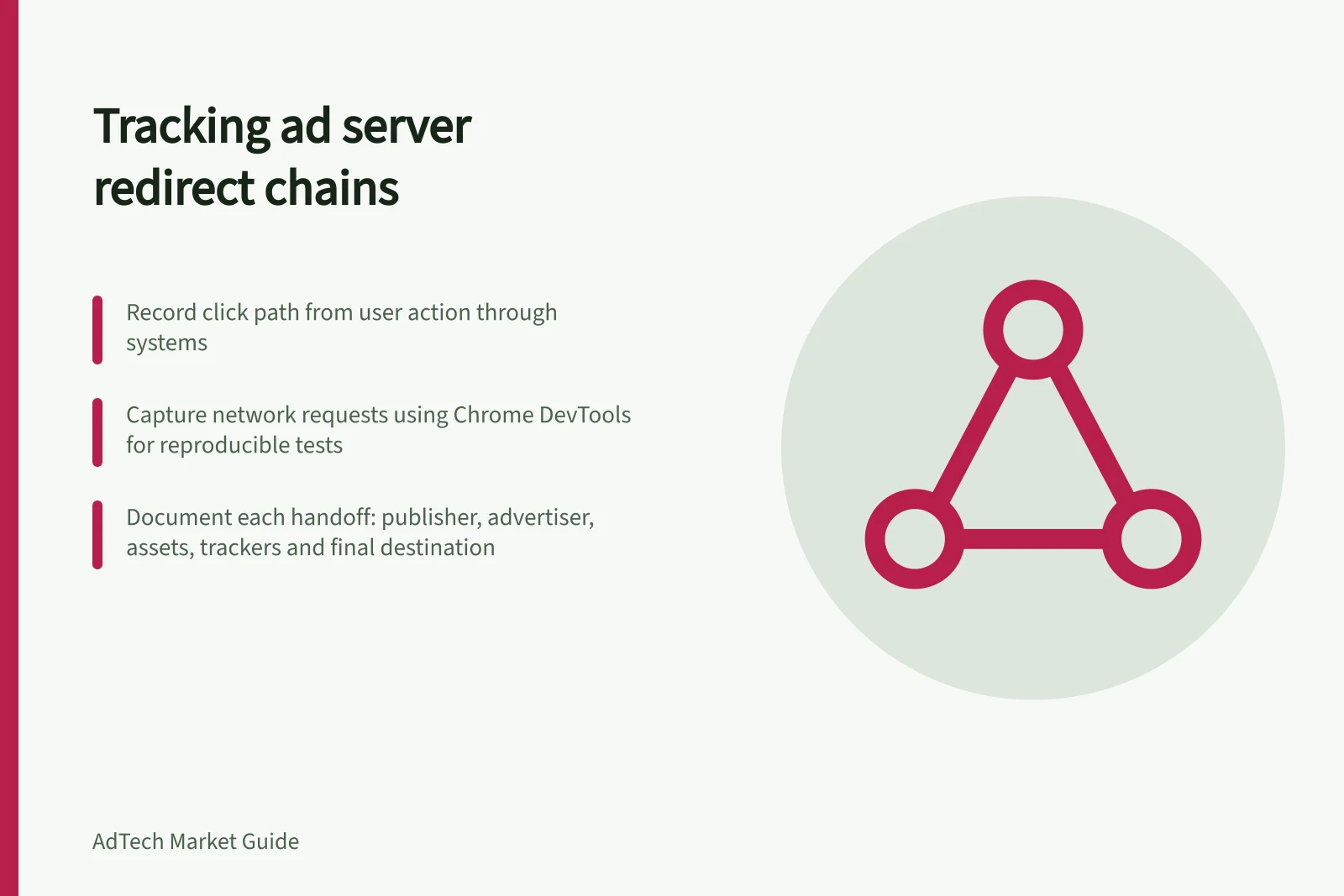
Document the handoffs from a selected creative to its assets and tracking calls. Record the click path separately: it starts with a user action and can pass through different systems.
An HTTP redirect, a tag loading another resource and a VAST wrapper are different handoff types.
Capture one reproducible case
Record the page or app, ad unit, format, placement, creative or tag ID, test time and intended destination. Preserve the exported tag and the final version entered by the publisher; a changed macro or wrapper can change the path.
For browser display, capture network requests on a representative test page. Chrome DevTools can preserve a log across page loads. Review request URLs and other contents before sharing; network evidence may contain information that should not be disclosed.
Essential Documentation for Ad Server Redirect Chains
- Test Environment DetailsPage or app context, ad unit, format, placement, creative/tag ID, test time
- Tag PreservationExported tag and final version entered by the publisher
- Network Evidence HandlingReview request URLs before sharing; avoid disclosing sensitive data
- VAST Wrapper TrackingServer, next tag URI, tracking resources, error codes, final outcome
- Failure DiagnosisLast confirmed success, first failure/unobserved step, type of issue (missing asset, unfired tracker, wrong click, reporting mismatch)
Record each observed handoff
Stage / What to record
- Publisher response
- Selected creative or tag, if the publisher exposes it
- Advertiser or third-party call
- Trigger, host, response and relevant ID
- Assets and trackers
- Request purpose, status, initiator and timing
- Test click
- Click tracker, subsequent URLs and final destination
This is a template, not a fixed number of hops. Mark an internal or server-side step as unobserved in the browser trace unless a platform record confirms it.
Google's Ad Manager to Campaign Manager 360 internal redirect is processed within those systems; a browser trace cannot reveal all of that processing.
When a path fails, identify the last confirmed successful step and the first failed or unobserved one. Separate a missing asset, an unfired tracker, a wrong click destination and a reporting difference.
Documenting Ad Server Redirect Chains: Key Steps
- Capture a Reproducible Test CaseRecord page/app, ad unit, format, placement, creative/tag ID, test time, and intended destination. Preserve exported and final publisher-entered tags.
- Record Each Observed HandoffDocument publisher response, advertiser/third-party calls, assets/trackers (purpose, status, initiator, timing), and test click path including trackers and final destination.
- Handle VAST Wrappers as Player PathsTrack each wrapper’s server, next tag URI, tracking resources, errors, and eventual outcome (InLine ad or dead end). Use player-side evidence if browser trace is incomplete.
- Resolve Failures and Share EvidenceIdentify last successful step and first failure. Close record with tag version, timestamps, confirmed/unresolved steps, and assign next investigation owner. Share only necessary evidence.
Browser Trace Limitations vs. Platform Records
- What Browser Traces ShowClient-side requests, visible redirects, asset loading, tracker firing, and click paths from user action.
- What Browser Traces MissServer-side processing (e.g., Google Ad Manager to Campaign Manager 360 internal redirects), hidden macros, dynamic wrapper logic, and player-side insertion failures.
- What Platform Records Can RevealInternal system handoffs, macro expansions, server-side decisions, and full player-side execution logs (if available).
Record VAST wrappers as a player path
A VAST wrapper directs a video player to another VAST response. Record each wrapper's server and next tag URI, the tracking resources, any error and the eventual InLine ad or dead end.
A browser trace may not expose every request in a player or server-side insertion setup. If an inspector succeeds but the publisher player fails, obtain the player-side evidence and check the formats it supports.
Close the record with the tag version, timestamps, confirmed steps, unresolved steps and the owner of the next investigation. Share only the evidence needed to reproduce the problem.