Vendor Due Diligence
Part of Ad servers and creative delivery
Testing a creative tag before trafficking
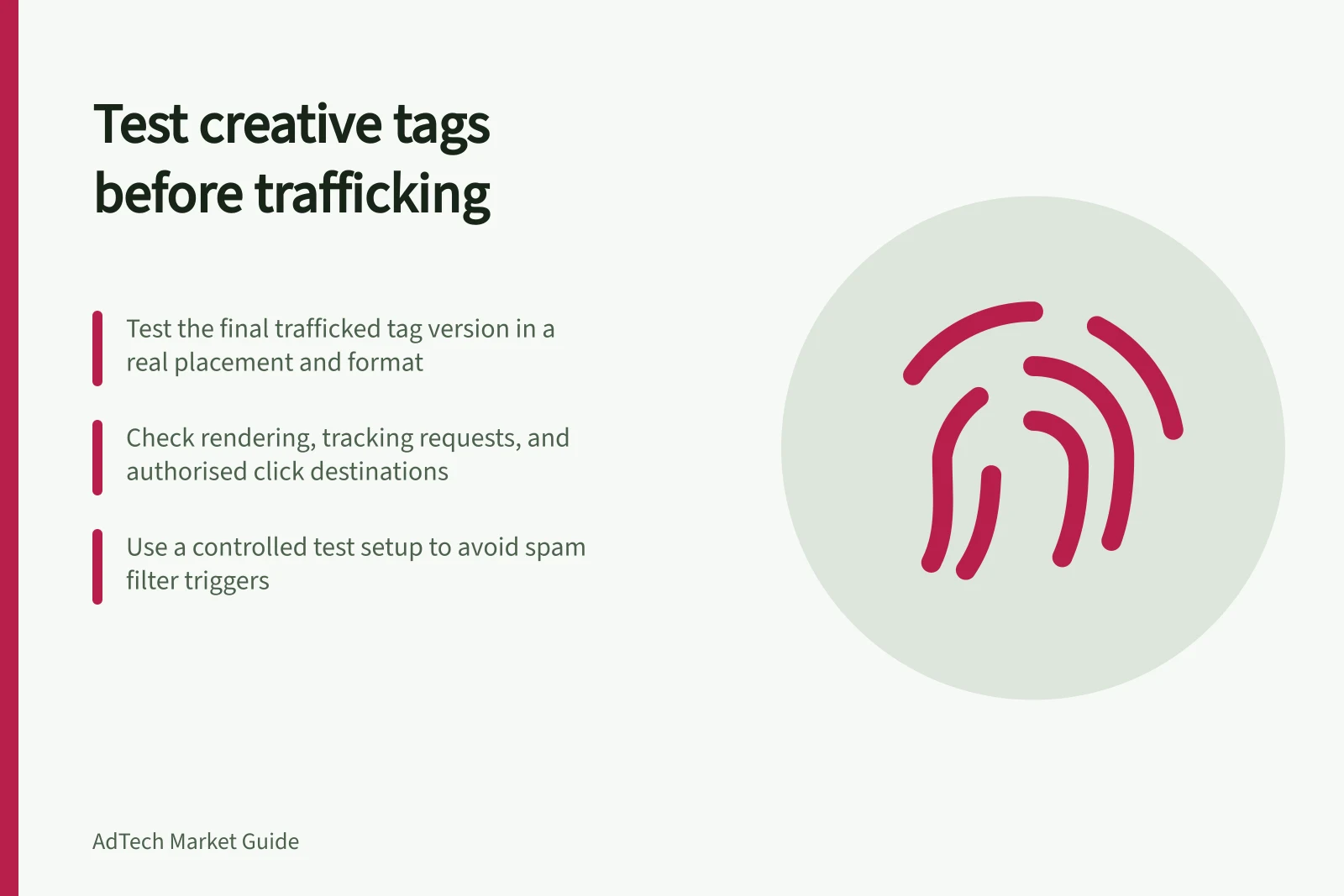
Check rendering, tracking, clicks and format compatibility on the final tag before publisher trafficking.
Test the tag version the publisher intends to traffic, in a representative placement and format. Check rendering, expected requests and an authorised click to the approved destination. A preview can reveal defects, but it cannot prove that normal ad selection will serve the creative or that live reports will reconcile.
Identify the test subject
Record the exported tag, version, size, format, destination and intended placement. If the publisher inserts macros or changes the creative type, preserve and test the final trafficked version. An edited tag is a new test subject.
In Google Ad Manager, the third-party creative type can recognise some vendors and offer suitable macro options. If instructions are unclear, obtain them from the creative provider. For Campaign Manager 360 tags used with Ad Manager, Google also documents a dedicated internal redirect creative type. Confirm the route before implementation.
Run the checks
- Render:Preview the creative and load it on a representative test page or player. Check size, assets and the visible message. Google Ad Manager on-site preview requires a matching ad unit and size and is unavailable for some creative types.
- Requests:Inspect the browser or player trace for the expected creative, assets and tracking calls. Record failures and unexpected repeats. A visible image alone does not prove that required trackers fired.
- Click:Make an authorised test click. Check the click path, campaign parameters and final destination. For relevant Google Ad Manager custom creatives, its preview confirmation page can help check a correctly placed click macro.
- Environment:Check the relevant desktop or mobile layout and the publisher’s actual embedding method. A tag running alone may behave differently in a page, iframe or video player.
Use a controlled test setup and record test times. Google warns that very rapid page refreshes can trigger its spam filter. Account for third-party tracking calls: Google Ad Manager says previews can call included third-party tracking URLs even though preview delivery is excluded from its own reporting and forecasting.
Pre-Trafficking Creative Tag Validation Checklist
- RenderPreview creative on a representative test page or player; verify size, assets, and visible message.
- RequestsInspect browser or player trace for expected creative, assets, and tracking calls; record failures or unexpected repeats.
- ClickPerform an authorised test click; confirm click path, campaign parameters, and final destination.
- EnvironmentTest on desktop and mobile layouts using the publisher’s actual embedding method (e.g., iframe, video player).
Know the preview limits
Google Ad Manager on-site preview bypasses normal ad selection. It does not reflect a click-through override, and support varies by creative type. Campaign Manager 360 recommends testing placement tags before publisher handoff. For HTML5 assets, it advises serving test tags from a server rather than relying on a locally opened file.
For in-stream video, Campaign Manager 360's Video Suite Inspector can test a VAST tag. A tag that works there can still fail in the publisher's player because its implementation or supported formats differ.
Key Testing Metrics and Considerations
- Preview Bypasses Ad Selection
- On-site preview does not reflect normal ad delivery or click-through overrides.
- Spam Filter Risk
- Rapid page refreshes may trigger Google’s spam filter.
- Third-Party Tracking
- Previews can still fire third-party tracking URLs despite excluded reporting.
- HTML5 Testing Recommendation
- Serve test tags from a server rather than opening locally.
Decide whether to traffic
Record each required check as pass, fail or unverified, with the tag version and environment. Resolve a failed render, wrong destination, missing required tracker or unsupported format.
Where preview cannot exercise a required behaviour, arrange a controlled publisher-side check and state what remains unverified. Repeat affected checks after a tag or placement change.