Verification
Part of AdTech interoperability and technical standards
Testing discrepancies between connected advertising systems
Trace an AdTech integration discrepancy by aligning event definitions, IDs, routes, dates and configuration versions.
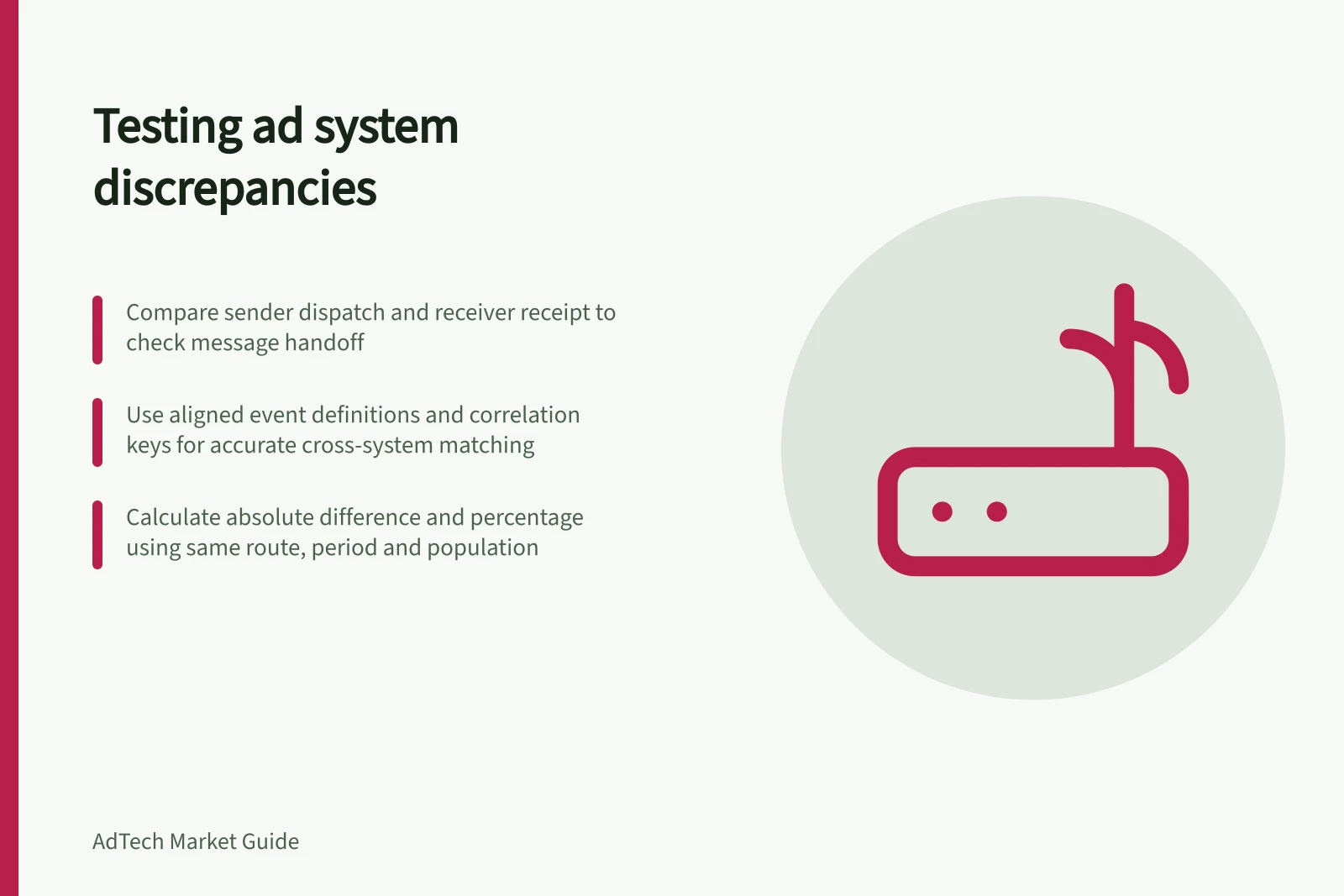
To test a discrepancy at an integration boundary, compare what one system says it sent with what the next says it received, using the same route, event and population. Find the first handoff where the records diverge. A request count and an impression count describe different stages; on their own they cannot support a useful discrepancy calculation.
Define the comparison
Record the placement, format, partner route, period, time zone and configuration version. Name each counter and the event it represents. A wrapper's request, a buyer's receipt, a bid response and a bid admitted to an auction are distinct events.
Product counters can follow different event definitions. Align the event, route and population each counter represents before comparing them.
Trace one boundary
For an authorised test placement, define expected outcomes and ask each side for the records it can expose.
| Case | Records to compare | Question |
|---|---|---|
| Eligible opportunity | Sender dispatch and receiver receipt | Did the message cross this boundary? |
| Valid response | Receiver response and sender receipt or acceptance | Was the response received and accepted under the agreed rules? |
| No bid or timeout | Response or timeout records on both sides | Did they classify the outcome in the same way? |
| Changed field | Payload before and after a gateway or transformation | Was the agreed value preserved? |
Use a permitted correlation key only if both parties expose it and its scope is understood. Keep each native ID with its system and namespace; do not assume IDs match across systems.
If no reliable cross-system key exists, compare aligned aggregates and label individual tracing unavailable. Similar timestamps alone are insufficient to match requests.
Calculate a comparable difference
For two counts of the same event and population, record the absolute difference and the denominator used for a percentage. For example, compare requests the sender reports dispatching with requests the receiver reports receiving on the same route and period.
Segment by placement and format before relying on a combined total. A small segment can show a large percentage difference from few events.
Inspect the first divergent stage: eligibility, dispatch, receipt, parsing, response or acceptance. A field dropped by a gateway calls for a different fix from a bid rejected after receipt.
Later auction selection and delivery may explain why fewer ads served, but those are different event comparisons.
Retain the relevant redacted payload or trace, native IDs, configuration version, report definitions and extraction time. Classify the finding as a population difference, counting-rule difference, transport or parsing fault, decision-stage difference, delayed data or unresolved.
After a fix, repeat the same defined case and compare a later equivalent period. Publisher-versus-advertiser impression-count differences need their own delivery and tag evidence.
Key Metrics for Discrepancy Analysis
- Request count (sender)
- To be compared with receiver's request count
- Impression count (receiver)
- Must align with same event definition and population
- Configuration version
- Must match across systems for valid comparison
- Time zone
- Must be consistent across all records