Verification
Part of Connected TV advertising infrastructure
Investigating duplicate ad requests in streaming inventory
Distinguish repeated CTV ad calls from pod slots, parallel supply routes, segment retries and duplicate beacons using an event trail.
Identify the streaming opportunity before comparing request counts when investigating a suspected duplicate. Requests close together can represent separate slots in an ad pod, different selling routes or repeated calls for one opportunity. A repeated tracking beacon is a separate issue. Count each stage before suppressing traffic or changing an integration.
Define one opportunity
For the affected stream, record the app, content or channel, session, break, pod and slot where those identifiers are available. Include break timing and duration. State whether the unit under review is a break, a slot or one buyer-facing request; each can have a different legitimate count.
A bid request can include more than one impression opportunity. Treat any pod identifier as scoped data, not a universal key across requests or viewing sessions.
Request identifiers may be generated or transformed at different points and may differ by recipient. A transaction identifier, when supplied and propagated, may help correlate records across participants. Check each field's scope before joining partner logs. Do not deduplicate solely on timestamp, IP address, request ID or podid.
Using Transaction IDs to Correlate Events Across Partners
- Pros
- Helps correlate records across participants when propagated correctly
- Cons
- Not always present or consistently used; scope varies by partner
Build an event trail
Ask the app, insertion service, ad server and selling partners for the stages they can expose. Keep native IDs and clock settings. One row per observed event can make the comparison clear:
| Stage | Evidence to look for | What a repeat might mean |
|---|---|---|
| Break marker | Stream position and marker or schedule ID | A manifest may be read again. |
| Ad-server call | Session, break, request time and response | The insertion service may have called again. |
| Bid request | Seller, route, request ID, transaction ID and slot | Several slots or routes may reach a buyer. |
| Manifest and segments | Personalised manifest and requested segments | Retrieval, retry or bitrate change may repeat. |
| Beacon | Event type, ad and viewing session | Reporting may repeat without another auction. |
These are leads, not diagnoses. AWS MediaTailor distinguishes marker detection, ad decision, manifest personalisation and later beacons. Its server-side tracking documentation describes deduplication of repeated beacons for identical ad events within a viewing session. That feature does not establish whether upstream ad requests were duplicated.
Event Trail in Streaming Ad Request Investigation
- Break marker
- Stream position and marker or schedule ID
- Ad-server call
- Session, break, request time and response
- Bid request
- Seller, route, request ID, transaction ID and slot
- Manifest and segments
- Personalised manifest and requested segments
- Beacon
- Event type, ad and viewing session
Compare records in order
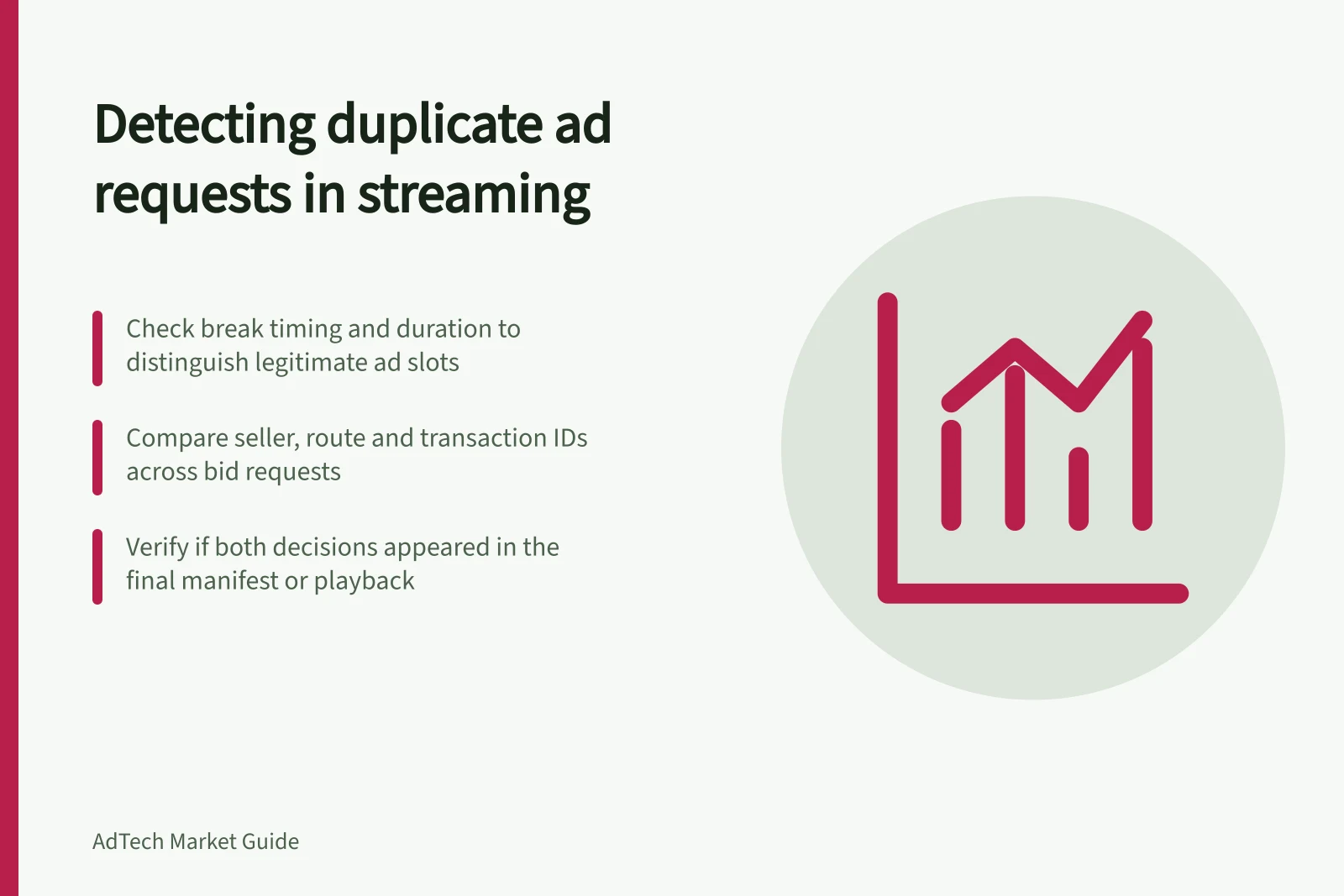
First, check whether apparently repeated buyer requests concern different slots. Next, compare their sellers and supply paths: one opportunity may be offered through more than one route, even when request IDs differ. Then inspect calls from the insertion service to the ad server. If two decisions concern the same break and session, ask the integration owner what triggered the second call.
Finally, establish what reached playback. Did both decisions appear in one manifest, did one survive, or did neither play? Match beacons to the selected ad and event type where permitted. A bid, auction win, delivered impression and billable event are different stages; more bids than impressions does not itself show duplication.
Legitimate vs. Duplicate Ad Requests: Key Distinctions
- Different slots in a pod
- Multiple impressions in one ad break – legitimate
- Parallel supply routes
- Same opportunity offered via multiple sellers – legitimate
- Explained retry
- Retried due to network or bitrate change – valid
- Unexplained repeated decision
- Second bid request with no clear trigger – suspicious
- Duplicate tracking beacon
- Repeated reporting without new auction – not billable
Investigating Duplicate Ad Requests: Step-by-Step Process
- Define the opportunityRecord app, content, session, break, pod and slot identifiers
- Build an event trailCollect logs from app, insertion service, ad server and partners
- Compare records in orderCheck for different slots, sellers, supply paths and playback outcomes
- Close with a bounded findingClassify as distinct slots, routes, explained retry, etc.
Close with a bounded finding
Classify the case as distinct slots, distinct selling routes, explained retry, unexplained repeated decision, duplicate tracking or unresolved. Record the supporting IDs and the owner of the affected stage. Reconcile billable events under the governing agreement if double charging is suspected; bid-request volume alone cannot establish it.
A controlled check can use one authorised session and break, preserving identifiers across each handoff. If partner records cannot be joined, compare only aggregates with compatible definitions and state the limit.