Vendor Due Diligence
Part of AdTech privacy and permission signals
Reviewing advertising data retention settings
Retention settings should reflect the reason data was collected and the organisation's obligations, not the maximum period a platform permits.
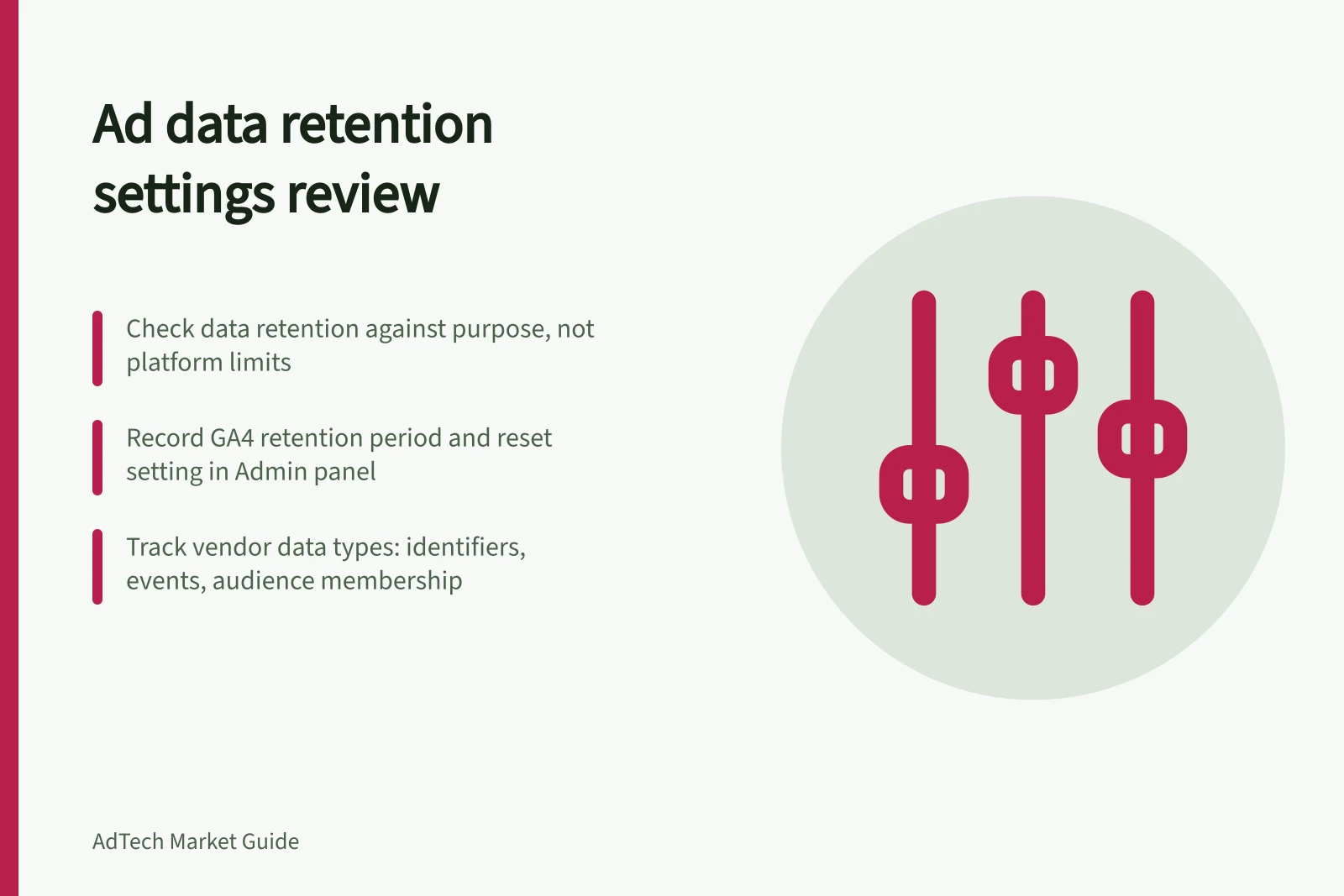
Review retention against the purpose for which the data was collected and the organisation’s obligations, not the longest period a platform allows. For each data category, record the period actually configured, who owns it and how deletion is handled.
Start with the advertising vendors in use, including Google Ads, Meta Ads Manager, DV360, The Trade Desk and LinkedIn, plus Google Analytics 4 (GA4) and Adobe Analytics. Record what each receives, such as identifiers, event details, audience membership and reporting exports.
For each category, capture its purpose, internal owner, storage location, configured duration and deletion route. Where a platform allows it, distinguish personal data from aggregated results, and note whether a shorter setting affects essential measurement.
In GA4, go to Admin → Data Collection & Modification → Data Retention. Record the selected “Data retention” period for user- and event-level data, and whether “Reset on new user activity” is enabled.
GA4 defaults to 2 months for user- and event-level retention, and standard properties offer 2- or 14-month options. GA4 360 also offers 26-, 38- or 50-month retention for other event data; user-level data remains available for 2 to 14 months.
When “Reset on new user activity” is enabled, new activity resets the retention period, so user data can remain for up to 14 months from the latest activity. Age, gender and interest data remain at 2 months, and large and extra-large properties are limited to 2 months.
GA4’s standard aggregated reports, explorations and funnel reports are not affected by these retention settings. Do not treat those reports as proof that user- or event-level data remains available for the same period.
For Google Ads, check the account for a retention setting and record its exact label, menu path and selected value; if you cannot confirm these, mark them unconfirmed. Separately record the reporting-data access limits: from 1 June 2026, data for periods shorter than a month is available for 37 months, while monthly, quarterly and annual data is available for up to 11 years.
Google Ads reach and frequency data has a 3-year limit, after which it is permanently removed from Google Ads and its APIs. Reporting limits describe data availability; do not record them as an account’s configured retention setting.
For DV360, record any account-level setting and its menu path or mark them unconfirmed. The DV360 API has a 24-month retention period; do not assume that this states the configured duration for all DV360 data.
For Meta Ads Manager, The Trade Desk and LinkedIn, look for the account’s retention control, label, menu path and selected period. If you cannot confirm them, mark each item unconfirmed and ask the vendor or account owner; do not assume that no control exists.
For Adobe Analytics, look for a user- and event-level retention control and record its exact label, menu path and available periods. If you cannot verify these in the account, mark them unconfirmed and ask the vendor or account owner.
For each platform, record the deletion route and what it covers, including the main copy, reporting exports and backups. If you cannot verify a route or whether deletion reaches those copies, mark it unconfirmed rather than treating a request or expiry as proof of deletion.
Where feasible, test deletion or expiry in a safe account and document what is no longer available and what remains unverifiable. Record the evidence observed without assuming a particular test count or evidence threshold.
Consider whether user-level analytics data may be personal information, particularly when combined with other datasets, and minimise what is held and for how long. Use the OAIC’s “Tracking pixels and privacy obligations” guidance when reviewing data associated with tracking pixels.
Treat IAB Tech Lab’s Global Privacy Protocol (GPP) as signal context, not a retention control: it transmits privacy, consent and consumer-choice signals and supports the IAB Europe TCF, IAB Canada TCF, MSPA’s US National string and US State strings.
Review settings when a campaign, vendor or purpose ends, and revisit unconfirmed controls, durations or deletion evidence with the vendor or account owner. Refer legal retention questions to the privacy owner rather than applying one generic period to all advertising data.
Advertising Data Retention Settings Across Platforms (Australia)
- Meta Ads Manager
- Retention control varies; unconfirmed without vendor verification. No default standard across accounts.
- The Trade Desk
- Retention settings depend on account configuration; unconfirmed without direct vendor input.
- Retention control exists but is unconfirmed without vendor confirmation; varies by account.
- Adobe Analytics
- User- and event-level retention controls exist; exact settings require vendor confirmation.
Key Data Retention Facts for Australian Ad Tech Platforms
- 11yearsGoogle Ads Reporting Availability (Monthly/Quarterly/Annual)
- 3yearsGoogle Ads Reach & Frequency Data Limit