Verification
Part of Supply-side platforms and publisher monetisation
Evaluating SSP reporting from a publisher's perspective
Evaluate SSP reports using event definitions, revenue basis, useful breakdowns and publisher-side reconciliation checks.
An SSP report is useful when a publisher can tell what the partner was offered, which bids could compete, what delivered and how revenue is defined. Start with the decision the report must support, such as retaining a partner on a placement or investigating falling earnings. Request the counts and breakdowns needed to answer it; a revenue chart alone cannot explain the route.
Apply the same reporting test to Magnite, PubMatic, Index Exchange, OpenX or Equativ if one is under consideration. A provider name does not establish its field definitions, report detail, history or export support.
Treat stage labels in a checklist as publisher-side comparison terms, not standard SSP field names. No provider-specific field label, retention figure or export route is assumed here; verify each against a sample report and data dictionary before relying on it.
Separate the events
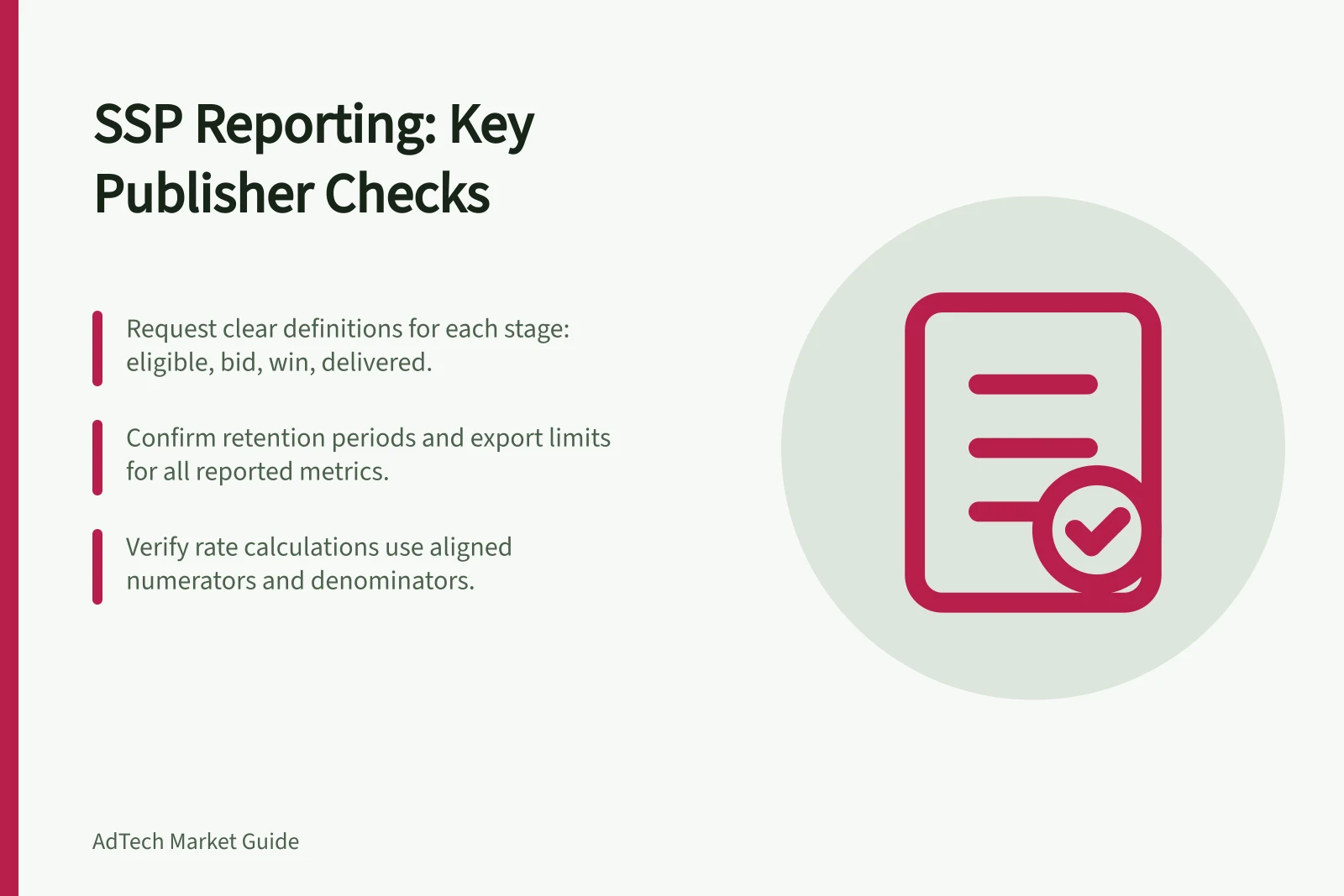
Ask for the stages each system can expose: eligible opportunities, partner callouts, technical responses, bids, bids admitted to an auction, wins and delivered impressions. Mark unavailable stages. A response can contain no bid, a bid can be filtered before competition, and a win need not become a delivered or billable impression.
Request the provider's definitions for each reported stage, including whether a response can contain no bid and whether one callout can result in multiple bids. Check that the definitions identify the events counted, not just the label shown in the report.
Confirm the provider's stated retention period for each measure and plan any archive accordingly. Record the number of days retained, whether it varies by measure and how much history can still be exported. History shorter than the period needed for a comparison cannot support that reconciliation.
Prebid.js has a publisher API reference named pbjs.getEvents(). Treat it as a client-side measurement reference, not an SSP report or a complete record of final delivery; confirm what it captures before using it as a cross-check.
For any client-side measurement, confirm which events are captured and whether a configured analytics adapter and data pipeline retain them. Such data is not automatically an SSP dashboard or a complete record of final ad-server delivery.
Define rates and revenue
Publisher question / Definition to request
- How often was the partner called?
- Eligible opportunities and actual partner callouts
- How often did it bid?
- Bids and the chosen base, including treatment of no-bid responses
- How often did it win?
- Which auction’s wins and whether impressions followed
- What did it earn?
- Revenue basis, currency, deductions and estimated or final status
- Did it improve yield?
- Comparable inventory, period and competing-demand conditions
Ask for each rate's numerator and denominator. A bid rate based on callouts cannot be compared directly with one based on all page requests. A CPM also needs its impression count and revenue basis.
For an internal comparison, define callout rate as callouts divided by eligible opportunities, bid rate as bids divided by callouts, and admission rate as admitted bids divided by bids. Define win rate as wins divided by admitted bids, and delivery rate as delivered impressions divided by wins. These are publisher-side calculations, not claims about SSP field labels; use them only when the underlying counts and definitions align.
If one callout can produce multiple bids, a bid rate using callouts as its denominator can exceed 100%. Keep that denominator visible when comparing rates, and do not treat differently based rates as equivalent.
Treat those labels as concepts, not confirmed SSP dashboard field names. Ask for the exact label shown in the report and a field-level definition, including the numerator, denominator and events included.
Keep SSP and publisher ad-server revenue in separate columns until their definitions align. Similarly named revenue fields may use different bases, so confirm whether fees or revenue shares are included.
Ask the provider to identify each deduction or revenue-share line and explain how it affects the reported amount. Do not infer the fee basis or whether a figure is estimated or final from the field label alone.
Critical SSP reporting metrics for publishers
- Callout Rate
- Callouts ÷ Eligible Opportunities
- Bid Rate
- Bids ÷ Callouts
- Win Rate
- Wins ÷ Admitted Bids
- Delivery Rate
- Delivered Impressions ÷ Wins
- Revenue Basis
- Final CPM after deductions (GST included)
Request a report that permits action
For a sample report, request a stable placement ID, date, format, partner or route and relevant deal ID, at the finest level the provider actually supports. Confirm time zone, currency, refresh timing, history, export route and a data dictionary. If a field is unavailable, establish whether an aggregate still answers the decision.
Ask whether the requested dimensions can be combined in one report, rather than assuming they are available together because they appear separately. Check that an export retains the same fields and definitions as the displayed report. Record the supported export route, format, delivery cadence and history, plus any stated limits; do not assume an option is available without confirming it.
For each requested dimension and metric, record whether it appears in the report, can be combined with the other required dimensions, and is retained in the export. This makes gaps visible before using the report for a placement or deal decision.
Google Ad Manager's named reporting references include Yield group reporting and Interactive reports. These are publisher ad-server references, not evidence of an SSP's metric definitions, export options or retention; request those details from the SSP separately.
For Google Ad Manager, check the current Interactive reports documentation and confirm that the intended account can select the needed fields, use the required export route and retain the data for the required period.
Investigate a difference at the same stage
First align placement, format, period, time zone and currency. Then compare partner callouts with partner requests, and delivered impressions with delivered impressions. Use the stage definitions above to avoid treating unlike events as equivalent.
When reviewing yield-group figures or other grouped reporting, check for overlapping groups, differences in time zones, and differences in impression-counting or filtration methods. Check whether metric groups can be combined without double-counting.
At each aligned stage, record both counts and their difference, then compare that difference with the publisher's agreed tolerance. If callouts align but admitted bids do not, investigate filtering or the admission definition; if wins align but delivered impressions do not, investigate delivery or impression counting. The first stage that diverges narrows the investigation but does not by itself establish the cause.
Agree a publisher-specific tolerance and escalation rule before using a difference to change a monetisation or reconciliation decision; do not assume a universal threshold. If a difference exceeds that tolerance, use permitted IDs or timestamps where available to locate the stage at which counts separate.
Record whether the issue concerns missing calls, late responses, filtered bids, final selection, impression counting or an unresolved data gap. The report is fit for an ongoing decision when the publisher can reproduce its key figures, obtain the necessary history and explain each material limit.