Supply Chain
Part of Supply-side platforms and publisher monetisation
Understanding a publisher's auction configuration
Trace a publisher’s auction configuration across eligibility, deal types, floors, timeouts and final ad selection.
A publisher’s auction configuration determines which demand can compete for a placement, which bids meet its price and timing rules, and which eligible ad is finally selected. Trace one ad unit through each decision layer. A floor shown in one system may be only one restriction on the opportunity.
Trace the decisions for one placement
Record the placement, format, publisher ad server, header-bidding wrapper if used, SSP routes and final ad-selection point. The order depends on the integration.
Prebid.js passes bid information to an ad server after its selected adapters respond. In Google Ad Manager Open Bidding, eligible yield partners submit bids into Ad Manager’s unified auction.
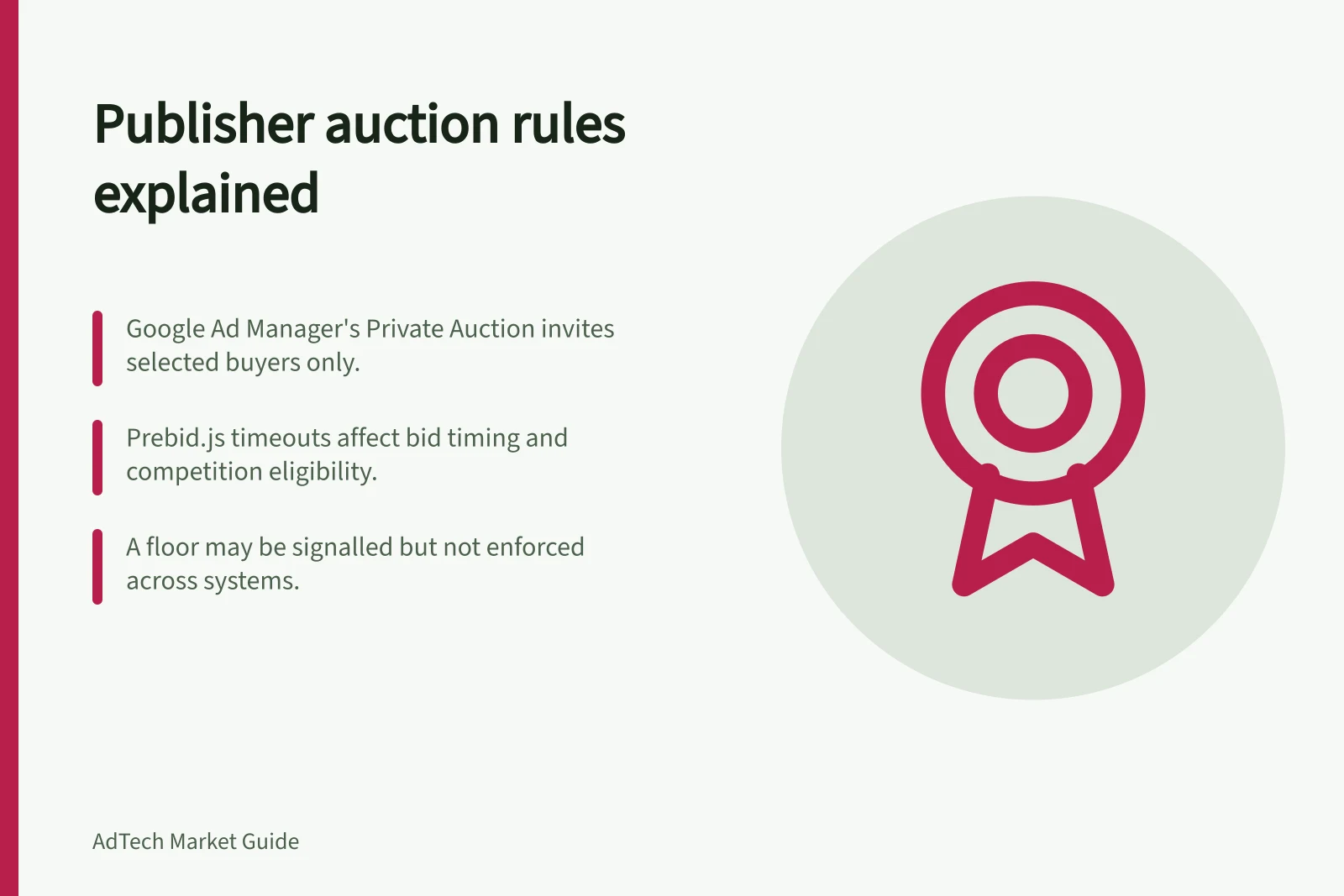
Identify booked campaigns and deal types before interpreting a result. In Google Ad Manager, a Private Auction invites specified buyers to an auction, a Preferred Deal offers a negotiated fixed price before auction, and Programmatic Guaranteed commits inventory.
A deal ID alone does not say whether inventory is reserved. Booked delivery can also affect whether non-guaranteed demand competes.
Deal types in Google Ad Manager
- Private Auction
- Invites selected buyers; open bidding after negotiation
- Preferred Deal
- Fixed price negotiated in advance; non-guaranteed availability
- Programmatic Guaranteed
- Guaranteed delivery at agreed price; reserved inventory
Record each applicable rule
| Layer | What to record | Question when delivery is missing |
|---|---|---|
| Inventory eligibility | Ad unit, size, format and targeting | Was this route eligible to receive the opportunity? |
| Buyer and deal eligibility | Account approval, buyer, deal and creative conditions | Was the buyer allowed to bid? |
| Price | Floor or target, currency, applicable demand and rule priority | Which system evaluated the bid? |
| Timing | Wrapper, server and ad-server deadlines | Did the response arrive in time? |
| Final selection | Booked demand and ad-server rules | Why was another eligible ad selected? |
Add the owner and last change for each rule. A useful register identifies the report or log that could show its effect; some systems will not expose every stage.
Check floors at each layer
Prebid documents a price-floors module for header bidding.
Confirm whether a floor is merely signalled or actually enforced.
Google Ad Manager has pricing rules. Confirm which routes they cover and how overlapping rules are resolved.
When comparing prices across systems, confirm that the amounts are calculated on the same basis.
Key configuration elements affecting auction outcomes
- Price Floors (Prebid.js)
- Enforced via module; confirm if signalled only
- Google Ad Manager Pricing Rules
- Cover specific routes; resolve overlaps by priority
- Currency Consistency
- Ensure prices compared on same basis (e.g., AUD vs USD)
Treat timing as a rule
A late bid cannot compete after the relevant deadline. Prebid documents timeouts. Confirm how the timeout is configured for the integration.
A longer wait may admit more bids but delay delivery. Assess response time and ad delivery for the publisher’s traffic instead of assuming a universal setting.
Follow the outcome
For a display slot eligible for booked demand, a private deal and open-market bidders, first establish which routes were eligible. Then check deal type, prices and deadlines, followed by the final ad-server selection and delivered impression. This sequence is an illustrative way to inspect a configuration; it is not a result from a live auction.
When changing a setting, record its prior value, affected inventory and date. Compare suitable periods by placement and format, including delivered impressions, revenue, deal delivery and timeouts where available. If several rules change together, a later revenue movement cannot confidently be assigned to one of them.