Platform Comparisons
Part of Supply-side platforms and publisher monetisation
Comparing SSP demand connections
Compare SSP demand connections by route, account eligibility, formats, deals and reporting, using three documented Prebid examples.
Compare SSP demand connections by asking which partners can bid on a given placement, via which route, and under what account conditions. Prebid's bidder documentation gives three comparable examples: Rubicon Project, whose adapter Magnite approves and supports, PubMatic and Index Exchange. Each page lists a bidder code, adapter routes, media types and deal support.
Compare the route first
Google Ad Manager, Prebid.js and Prebid Server are distinct demand routes. Prebid.js uses selected browser bidder adapters and passes bid information towards the ad server. Prebid Server calls server-side adapters and requires a host and configuration. The routes differ in setup, timing and observable data.
For each candidate, identify the publisher account, property, ad unit, format, required IDs, open-auction or deal path, and final ad-selection system. Ask who operates and maintains the connection. Compare only routes that can serve the inventory under consideration.
Rubicon Project, PubMatic and Index Exchange compared
Prebid lists bidder entries for PubMatic, Index Exchange and Rubicon Project. A documented adapter still does not establish a placement-ready connection for your account, nor a commercial advantage for any one of them.
Side by side: Rubicon Project uses the bidder code rubicon, PubMatic uses pubmatic and Index Exchange uses ix. All three list display, video and native media types, deal support, Floors Module support and supply chain support, so the documented features alone rarely separate them.
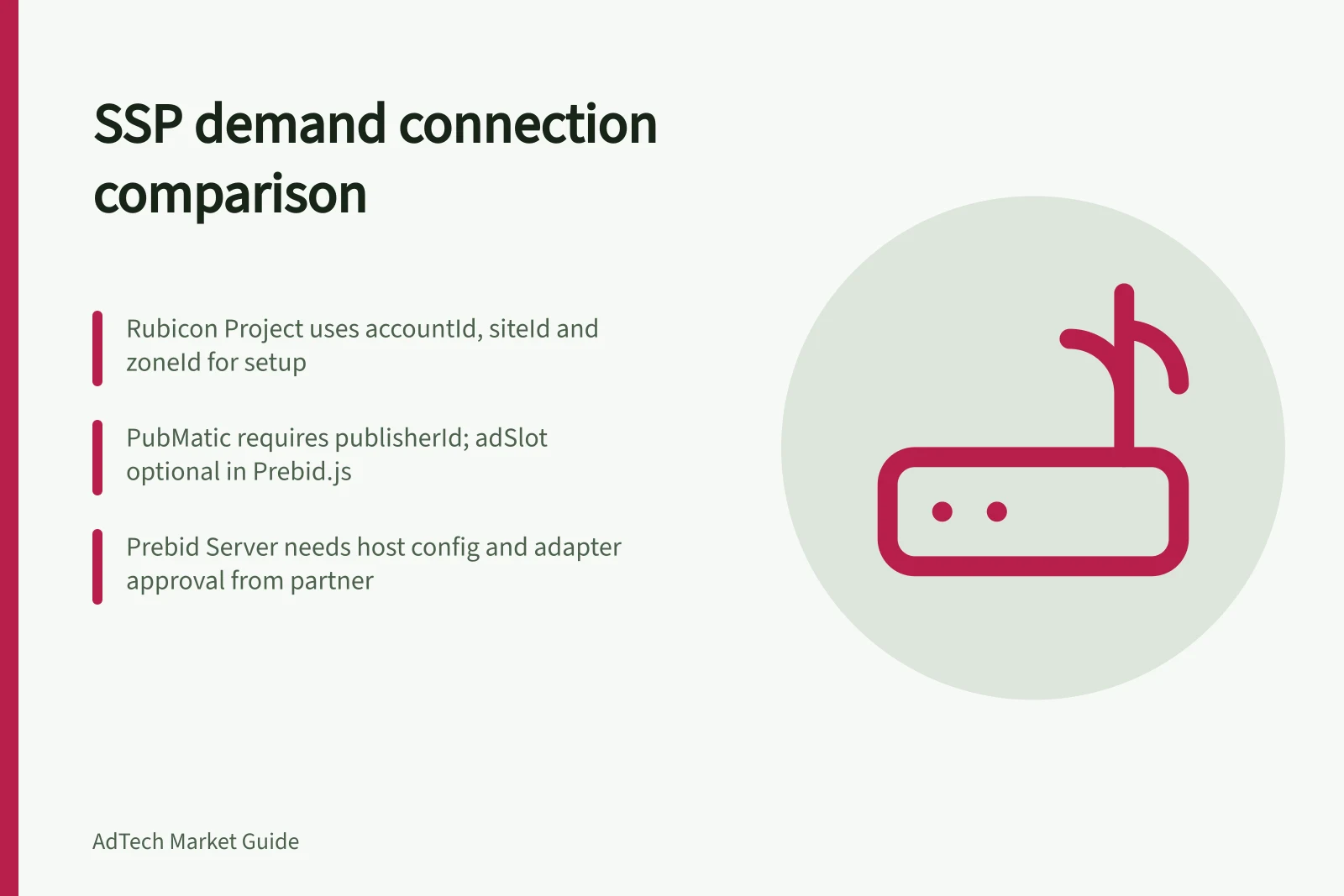
Rubicon Project (Magnite): the required parameters are accountId, siteId and zoneId, the IDs for the publisher account, the site and its ad placements. The page lists both a Prebid.js adapter and a Prebid Server adapter. For both routes, the adapter requires setup and approval from the Magnite team, even for existing accounts.
PubMatic: publisherId is required, a PubMatic-specific identifier associated with your account, while adSlot is optional. Prebid.js can call PubMatic directly from the browser through its client-side adapter, or call Prebid Server, which then uses PubMatic's server-side adapter. PubMatic recommends the gptPreAuction module to populate GPID values.
Index Exchange: the page's example ad units pass a siteId parameter with the bidder code ix. Its features table lists a Prebid.js adapter and no Prebid Server adapter, yet the same page describes Prebid.js calling Prebid Server, which then uses Index's server-side adapter to reduce workload on the browser. Ask Index which of the two applies to your host.
The clearest documented differences are approval and multi-format handling. Rubicon Project's page says a multi-format unit will bid on one format, while PubMatic and Index Exchange list multi-format support. Magnite approval is a precondition for either Rubicon Project route.
Account approval, property allow-listing and Australian inventory scope still need confirming with each partner. The bidder pages state no revenue definition, deductions, paying party or report timing, so they support no commercial ranking.
None of the three can be marked eligible for a specific placement on the partner name alone. Confirm the route, placement requirements and publisher-account access before comparing eligibility.
Magnite via the Rubicon Project adapter
For Rubicon Project (Magnite), confirm the accountId, siteId and zoneId issued for the proposed placement, and which format a multi-format unit will receive a bid on.
Ask whether Rubicon Project (Magnite) can approve this property and demonstrate the intended format, deal path and reporting for the chosen route. Record the answer against the specific placement.
PubMatic
For PubMatic, confirm the publisherId and any adSlot for the placement, and whether the client-side or server-side adapter will carry the request. Treat the feature list as documentation rather than an account-level promise.
Ask which formats and deals are enabled for this publisher ID, and which callout, bid, win and revenue measures will be available. Confirm the answer for the route and placement being assessed.
Index Exchange
For Index Exchange, confirm the siteId for each placement and whether the deployment calls Index from the browser or through Prebid Server. Do not count a route as confirmed until Index Exchange and the host confirm the integration.
Ask which Index Exchange route is supported for this property and format, and which placement and video settings it requires. Keep the answer specific to the proposed inventory.
SSP Demand Connection Comparison: Rubicon Project, PubMatic and Index Exchange
- Bidder Code
- rubicon
- Adapter Routes
- Prebid.js, Prebid Server
- Media Types Supported
- Display, Video, Native
- Deal Support
- Yes
- Floors Module Support
- Yes
- Supply Chain Support
- Yes
- Required Parameters
- accountId, siteId, zoneId
- Approval Required
- Yes (Magnite team)
- Multi-Format Support
- No – bids on one format only
- Bidder Code
- pubmatic
- Adapter Routes
- Prebid.js (client-side), Prebid Server (server-side)
- Media Types Supported
- Display, Video, Native
- Deal Support
- Yes
- Floors Module Support
- Yes
- Supply Chain Support
- Yes
- Required Parameters
- publisherId (required), adSlot (optional)
- Approval Required
- None stated – but recommended to confirm with partner
- Multi-Format Support
- Yes
- Bidder Code
- ix
- Adapter Routes
- Prebid.js (browser), Prebid Server (server-side via adapter)
- Media Types Supported
- Display, Video, Native
- Deal Support
- Yes
- Floors Module Support
- Yes
- Supply Chain Support
- Yes
- Required Parameters
- siteId
- Approval Required
- Not specified – confirm with Index Exchange and host
- Multi-Format Support
- Yes
Make the comparison usable
Condition / Evidence to obtain
- Access
- Approved account, property and Australian inventory scope
- Route
- Browser, server or ad-server integration; operator and required IDs
- Inventory
- Exact ad units, sizes, media types, creative requirements and deals
- Participation
- Partner requests, timely responses, qualifying bids and wins where exposed
- Commercial result
- Revenue definition, deductions, payment party and report timing
If a trial is feasible, hold placement, format and major auction rules as steady as possible, and record any changes. A late Prebid response may miss the ad-server call. Investigate those causes before judging demand quality.
Mark unsupported formats and unavailable report fields as unconfirmed until the proposed arrangement resolves them. Record the result for each SSP and placement.