Verification
Part of Ad verification technology
Understanding why verification vendors disagree
Trace verification disagreements to different impression populations, signals, rules or reporting times with a practical reconciliation process.
Two verification vendors can disagree because they observed different impressions or signals, applied different rules, or reported at different times. A percentage gap alone cannot show whether coverage, rule, timing or evidence caused the difference, or which vendor is correct.
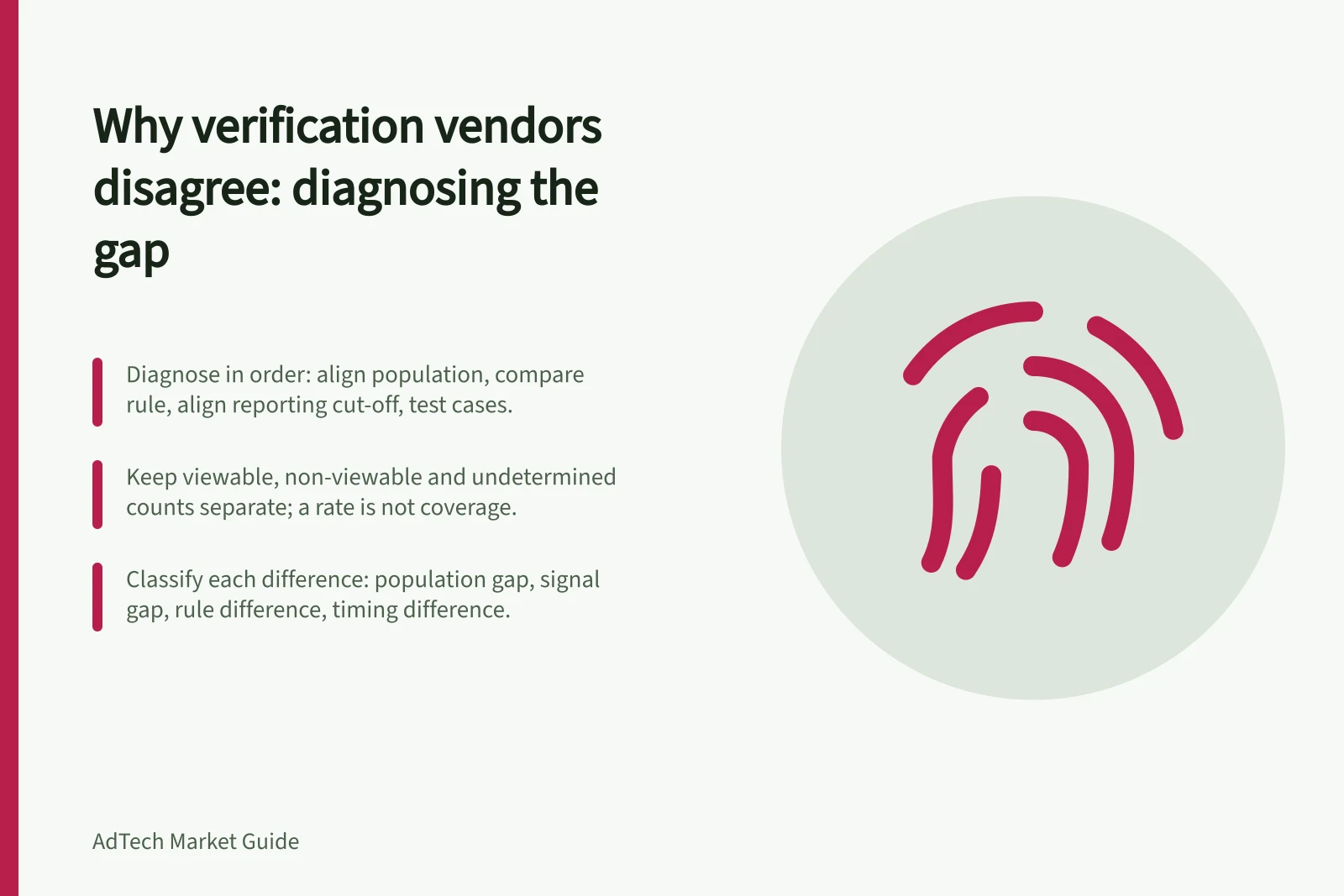
Diagnose the gap in that order: align the population, compare the rule, align the reporting cut-off, then test disputed cases against evidence. If a report omits its denominator, rule version or reporting status, record the field as missing rather than assuming the reports are comparable.
A vendor comparison may name DoubleVerify, Oracle's MOAT or Grapeshot. The names alone do not show that reports use the same impression population, rules, reporting cut-off or evidence, so compare those fields before interpreting the gap.
Diagnose a verification gap in order
- Align the impression population
- Compare the decision rule
- Align the reporting cut-off
- Test disputed cases against evidence
Reconcile the population first
Ask each provider for the campaign, dates, time zone, formats, placements, tag or SDK deployment and impression count used as its base. One provider may receive an event the other never sees.
A player may execute one verification resource but not another, and a restricted environment may expose only some signals. For viewability, keep viewable, non-viewable and undetermined counts separate. A measured rate describes measurement coverage; a viewable rate describes the share of measured impressions that passed the rule.
Create a reconciliation sheet by format and placement. Put each provider’s eligible, observed and unknown counts beside the relevant ad-server count. The ad server is a reference for investigation, not automatically the correct verification denominator. Record where counts are taken and whether invalid-traffic filtration has already been applied.
Check whether both reports use the same inclusion and exclusion boundaries, not merely the same campaign label. If a report gives a rate but not the counts behind it, record that breakdown as missing; the rate alone cannot show whether the gap began with coverage or classification.
Different eligible counts point to a population boundary to investigate. If eligible counts match but observed counts differ, investigate delivery or signal access before treating the gap as a difference in verdicts.
Population reconciliation sequence
- Request campaign, dates, time zone, formats, placements, tag/SDK deployment and impression count from each provider
- Separate viewable, non-viewable and undetermined counts
- Build a reconciliation sheet by format and placement
- Place each provider’s eligible, observed and unknown counts beside the ad-server count
- Record where counts are taken and whether invalid-traffic filtration has been applied
- Check inclusion and exclusion boundaries, not just the campaign label
- Treat missing rate breakdowns as missing, not comparable
- Use eligible versus observed mismatch to direct the next investigation
Compare the decision rule next
For viewability, compare the applicable pixel and time criteria, in-focus treatment, large-ad exceptions, player geometry and qualifying interactions. Providers can produce different results even when they cite the same headline threshold if their measurement access or permitted methods differ.
For invalid traffic, ask which general and sophisticated methods each service applies and when. Some sophisticated findings require later analysis, so a provisional report and a final report can differ. Traffic remaining after filtration is not proven human.
For content suitability, compare taxonomy version, category mapping, property or content granularity and any adjacency rule. A domain-level label and a page-level classification describe different evidence. A rule that restricts an entire category can also disagree with one that flags only defined adjacent content.
Write down each service’s rule and the evidence it used, rather than relying on a shared label. A matching label does not establish that both services had the same measurement access or applied the rule in the same way.
For matched cases, classify a difference as a rule issue when the written criteria or mappings differ. If the criteria match but the inputs or signals do not, investigate evidence; if the reports use different cut-offs or statuses, investigate timing.
What a disagreement can point to
- Rule issue
- Written criteria, mappings, taxonomy version or adjacency rules differ
- Evidence or signal issue
- Criteria match but inputs, measurement access or signals differ
- Timing issue
- Reports use different cut-offs or provisional versus final statuses
Investigate a sample of disputed impressions
Select a documented sample from the affected placement and period. Request the identifiers or other permitted matching keys, timestamps, rule versions and evidence each provider can share.
For content cases, preserve the state available when the decision was made. For video, record the player and any server-side insertion details. Ask the publisher or platform about missing signals where it controls the integration.
Classify each difference as a population gap, signal gap, rule difference, timing difference or unresolved case. Leave an impression unresolved when the available evidence cannot support pass or fail.
Compare matched cases at a common reporting cut-off. If a finding changes between report statuses, check timing; if it stays stable but the providers classify the same case differently, compare their rules and evidence.
If the providers cannot share a permitted matching key, do not treat unmatched cases as impression-level proof. Keep them separate as unresolved and compare the aggregate counts for the same placement and period.
Disputed-impression investigation checklist
- Select a documented sample from the affected placement and period
- Request permitted matching keys, timestamps, rule versions and evidence
- Preserve the state available when the decision was made, especially for content cases
- Record the player and server-side insertion details for video
- Ask the publisher or platform about missing signals it controls
- Classify each difference as population, signal, rule, timing or unresolved
- Leave an impression unresolved when evidence cannot support pass or fail
- Compare matched cases at a common reporting cut-off
- Keep unmatched cases separate and compare aggregate counts for the same placement and period
Decide what happens next
Agree which metric and provider governs a commercial decision, what discrepancy triggers review and what evidence could change a finding. Correct a broken tag or mapping when supported by the investigation.
If disclosed policies differ, use the rule agreed for the campaign and retain the other result as context. Escalate material unresolved cases with the providers and seller. The goal is an explainable decision for the same inventory, not identical numbers from every system.
Record the placement, period, denominator, rule, report status and evidence reviewed in the outcome. Keep unresolved cases distinct from pass or fail so a later comparison can use the same basis.
Decision and documentation checklist
- Agree which metric and provider governs the commercial decision
- Define what discrepancy triggers review and what evidence could change a finding
- Correct a broken tag or mapping when the investigation supports it
- Use the rule agreed for the campaign when disclosed policies differ, and retain the other result as context
- Escalate material unresolved cases with the providers and seller
- Record the placement, period, denominator, rule, report status and evidence reviewed
- Keep unresolved cases distinct from pass or fail for later comparison