Supply Chain
Part of Supply-path transparency
Investigating unexplained intermediaries in an ad report
An unfamiliar intermediary in an ad report is a reason to reconcile the supply path, not a conclusion that fraud occurred.
An unfamiliar intermediary in an ad report is a reason to reconcile the supply path, not a conclusion that fraud occurred. Reports can use different names and IDs, and a legitimate partner may be several steps from the publisher. Investigate the exact account and request path before deciding whether to continue buying.
Preserve the evidence
Record the campaign, publisher or app, date range, exchange, reported seller ID and the report field that showed the intermediary. If possible, retain sample bid requests with their SupplyChain object. Do not merge two apparent sellers solely because their display names look alike; the advertising-system domain and seller ID form the useful lookup pair.
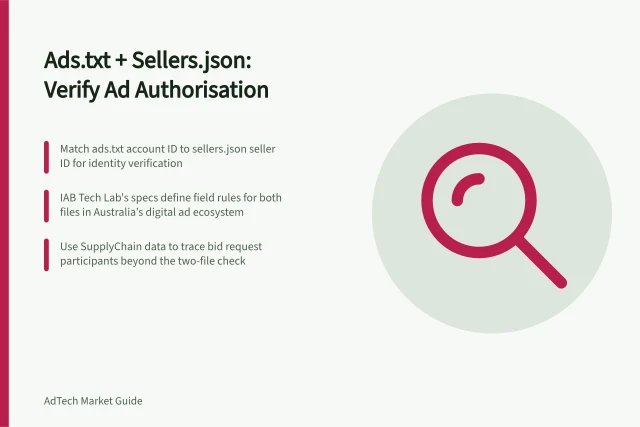
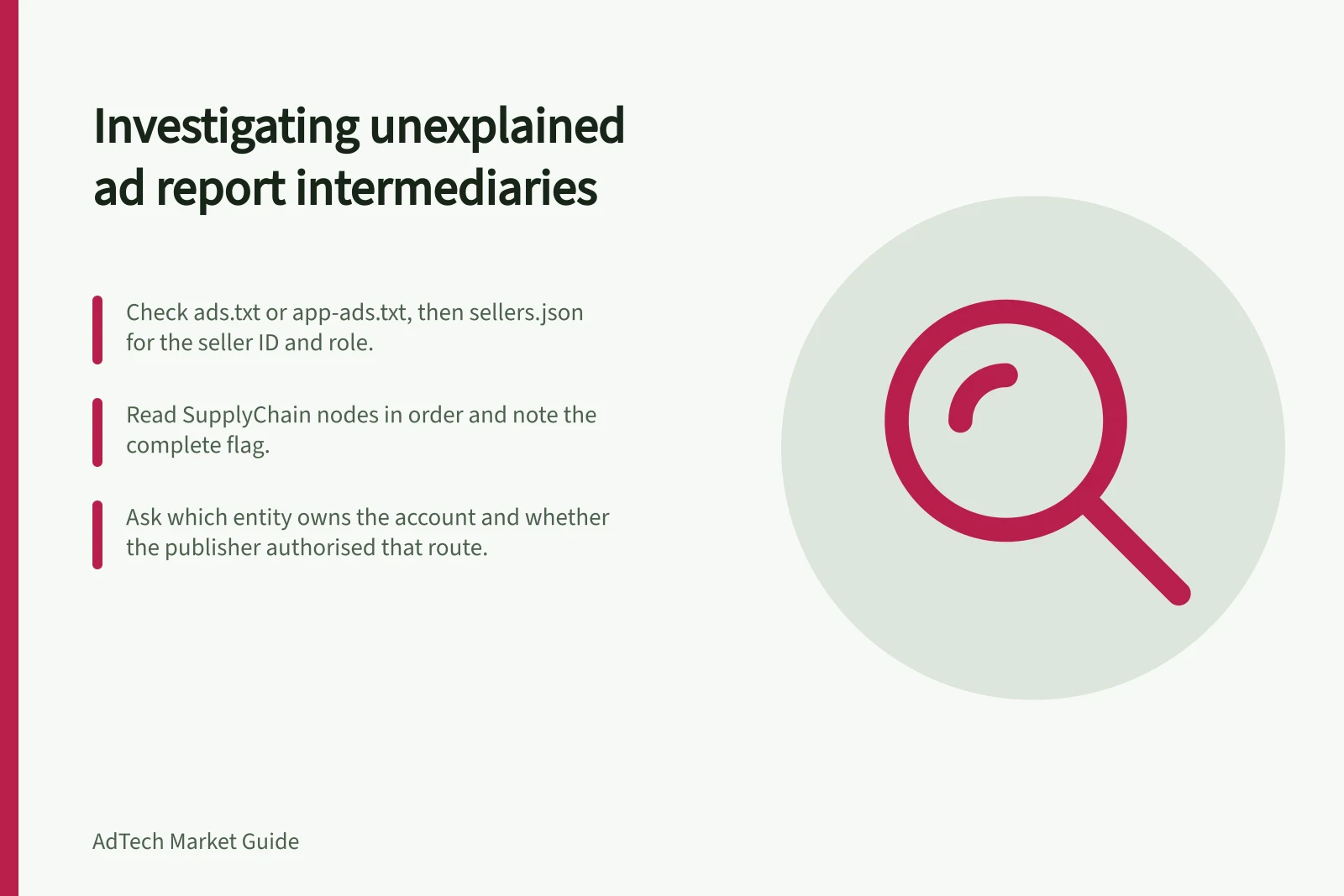
Check the publisher's ads.txt or app-ads.txt for the relevant advertising system and account. Then inspect that system's sellers.json for the ID and seller identity or role. Read the SupplyChain nodes in order and note the complete flag. Cross-check node identities, seller records and publisher declarations, then ask the publisher when a path appears inconsistent.
Investigating an unexplained intermediary
- Record the exact account and request pathCampaign, publisher or app, date range, exchange, reported seller ID and the report field that showed the intermediary
- Retain sample bid requestsKeep any SupplyChain objects with the samples
- Check publisher declarationsLook up the relevant advertising system and account in ads.txt or app-ads.txt
- Inspect sellers.jsonFind the seller ID and its identity or role in that advertising system's sellers.json
- Read SupplyChain nodes in orderNote the `complete` flag and each node identity
- Cross-check and askCompare node identities, seller records and publisher declarations; ask the publisher when the path appears inconsistent
Separate mismatch types
A missing ads.txt entry is different from a known RESELLER account with an unexpected downstream seller. A sellers.json record may be confidential or stale. An incomplete SupplyChain object can omit earlier nodes by design; a complete chain with a missing expected node needs a different explanation. Write down the exact mismatch so a partner can answer it.
Ask the partner which entity owns or controls the account, what function the intermediary performs, how the inventory reaches it and whether the publisher authorised that route. Request the relevant IDs and current declarations rather than a broad assurance that the supply is “clean”. Where the answer concerns publisher authorisation, confirm it with the publisher or its authorised representative.
Separate mismatch types before asking
- Missing ads.txt entryNot the same as a known RESELLER account with an unexpected downstream seller
- Known RESELLER accountA familiar seller record may still have an unexpected downstream seller to explain
- Confidential or stale sellers.json recordThe record may be confidential or out of date; verify current declarations
- Incomplete SupplyChain objectCan omit earlier nodes by design
- Complete chain with missing expected nodeRequires a different explanation from an incomplete chain
Questions to put to the partner
- Which entity owns or controls the account?
- What function does the intermediary perform?
- How does the inventory reach the intermediary?
- Did the publisher authorise that route?
- What are the relevant IDs and current declarations?
- Can the publisher or its authorised representative confirm authorisation?
Close the case visibly
Classify the route as reconciled, pending clarification, data error or unacceptable under your policy. If the mismatch affects significant spend or a high-risk placement, pause that path while checking; the scope of the pause is an operational decision.
Record the unresolved question and the person responsible for answering it in the case notes.
Closing the case visibly
- Classify the route as reconciled, pending clarification, data error or unacceptable under your policy
- Pause the path if the mismatch affects significant spend or a high-risk placement; scope is an operational decision
- Record the unresolved question and the person responsible for answering it in the case notes