Supply Chain
Part of Supply-path transparency
Reading ads.txt and sellers.json together
Read ads.txt and sellers.json together to connect a publisher's authorisation with the identity behind a seller account.
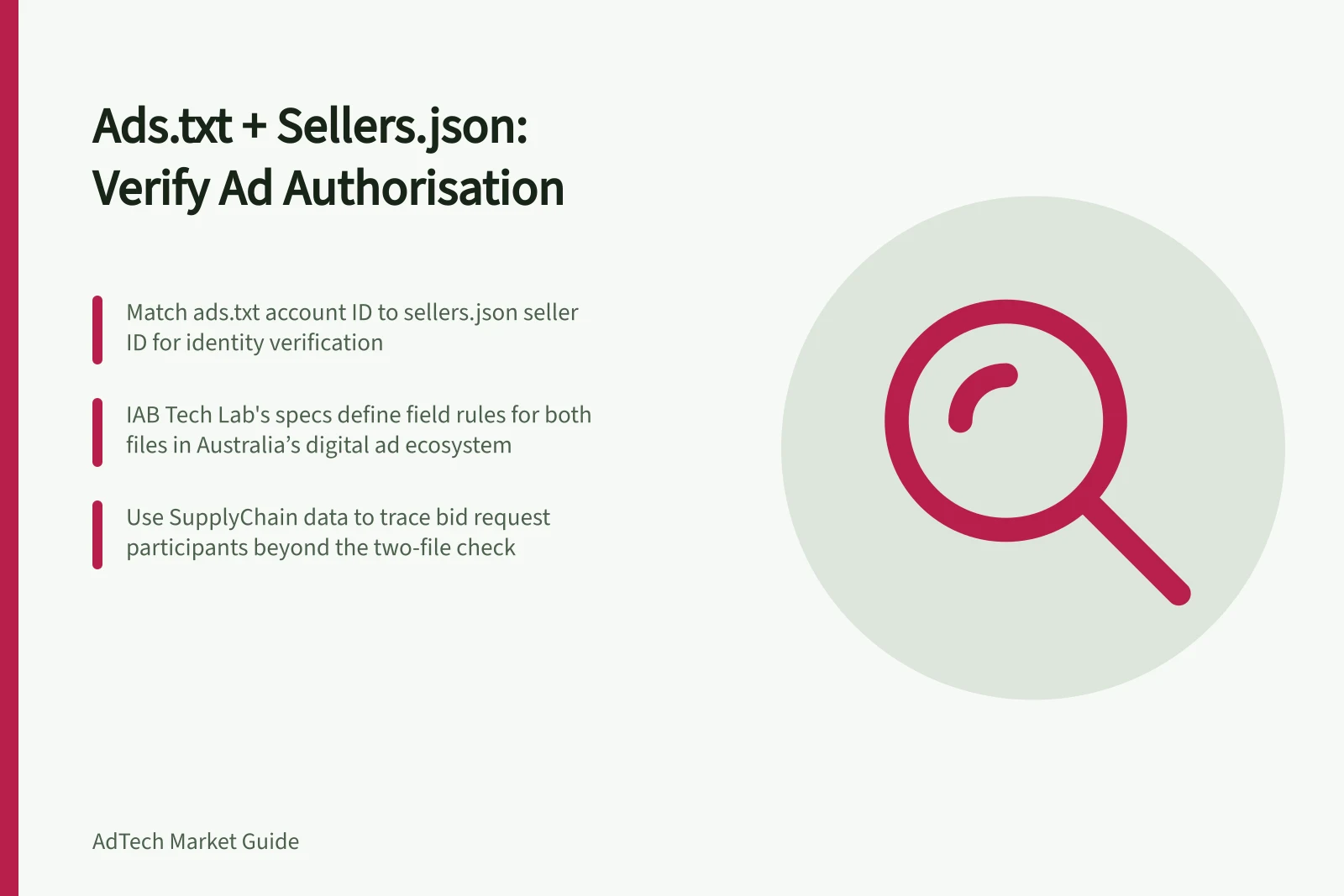
Read ads.txt with sellers.json to connect a publisher’s authorisation to the identity represented by a seller account. Ads.txt names the advertising-system account authorised to sell the publisher’s inventory; sellers.json identifies entities represented by an advertising system. The practical join is the ads.txt account ID matched to the corresponding seller ID within the named system; neither file alone describes every hop of an individual bid request.
Start with the publisher's declaration
For a website, find the publisher's ads.txt record. Ads.txt lets publisher content distributors and app publishers define who is authorised to sell their advertising inventory.
The IAB Tech Lab's ads.txt v1.1 specification is the reference for the file's field definitions. Note the exact system domain and account ID in the transaction or report. A publisher may list several IDs on the same system, so a matching corporate name with a different account ID is not enough.
For app inventory, use the appropriate app-ads.txt source instead. Do not assume a website's ads.txt covers the app.
IAB Tech Lab's sellers.json specification enables buyers to discover entities that are direct sellers of, or intermediaries in, the sale of digital advertising. Ads.txt authorises accounts but does not reveal the identities of publisher account IDs within an advertising platform.
Step 1: Find the publisher's ads.txt declaration. For app inventory, use the appropriate app-ads.txt source instead.
Step 2: Note the exact advertising-system domain and account ID in the transaction or report. Select the ads.txt entry for that system and ID; a different ID on the same system is not a match.
Step 3: Open that advertising system's sellers.json and look for the corresponding seller ID. Match that seller ID to the ads.txt account ID; this links the authorised account to the entity represented by it.
Step 4: Compare the ads.txt OwnerDomain with the matched sellers.json entry's seller.domain. OwnerDomain is the business domain of the site owner, and IAB Tech Lab says it should match the seller's domain.
If ads.txt specifies ManagerDomain, check it against the seller's domain as well. ManagerDomain indicates that the publisher outsourced monetisation to a sales house and identifies the business domain collecting payment on behalf of the owner named in OwnerDomain.
Look up the seller account
Open the advertising system's sellers.json and look for the seller ID that matches the ads.txt account ID. This is the join between the authorised account and the entity represented by that account.
A published and accessible sellers.json file can reveal the identity of the final seller, assuming that seller is ads.txt authorised. The file may also identify entities participating in a bid request's SupplyChain object.
If sellers.json is not published or accessible, or the matching seller ID is not there, these files cannot establish the account's identity. The sellers.json record describes the entity's role in that system; it does not replace the publisher's ads.txt authorisation.
Compare the seller's domain with OwnerDomain and, where present, ManagerDomain. If the owner domain or seller domain is missing or inconsistent, the two-file check cannot establish that link; investigate rather than treating it as proof of wrongdoing.
The bid-request attributes Publisher.name and Publisher.domain can identify the final seller, but selling systems populate them inconsistently. Treat them as supplementary clues when checking the publisher and seller domains, not as a substitute for matching the ads.txt account to its sellers.json entry.
Check whether the two files tell a coherent story. An ads.txt authorisation should normally lead to a seller account representing the publisher; a reseller arrangement should have an explainable authorised relationship.
Apparent conflicts can stem from stale files, wrong IDs or a more complex arrangement. Investigate before labelling a route invalid.
Know when to add SupplyChain data
These public files establish a declared relationship and a seller identity. Sellers.json can identify direct sellers and intermediaries, but the two-file lookup does not show every participant in an individual bid request.
To understand one bid request's sequence of sellers, inspect its SupplyChain object if available. The SupplyChain object is composed primarily of a set of nodes, where each node represents a specific entity that participates in the selling of a bid request. A clean two-file lookup is a starting point for verification, not a full transaction audit.