Supply Chain
Retail advertising technology infrastructure
Map the placements, catalogue, buyer access, audience controls and measurement flows in a retailer advertising system.
Retail advertising infrastructure links the retailer's placements, product catalogue, campaign controls, audiences and sales records. The first design decision is ownership of each handoff: which products are eligible, which ad fills a placement, who may buy or target it, and which events support the result reported to an advertiser.
Map one shopper visit
A shopper opens a search, category or product page. The retailer sends placement and relevant page context to an ad decision system, which returns an eligible ad for the site or app to render.
Delivery, engagement and purchase records may sit in different systems. Linking them later requires compatible product and shopper identifiers, usable events and permission for the proposed data use.
| Layer | Retailer decision | Evidence to request |
|---|---|---|
| Placement | Which pages and formats carry ads? | Ad-unit list and page demonstration |
| Catalogue | Which product, variant and seller may appear? | Item IDs, feed fields and eligibility rules |
| Campaign access | Which buyers may select each product and placement? | Roles and approval settings |
| Decision and rendering | What selects the ad, and what does the page display? | Request and response examples |
| Audience | Who may use each shopper group, and where? | Segment definition, permissions and destinations |
| Measurement | Which delivery and sale records can be matched? | Event definitions and a sample report |
Kevel describes first-party data, collected directly, and zero-party data, opted in by the user, as supporting a future-proof data strategy. It says advertisers rely on deterministic data from retailer transactions and loyalty programs for a comprehensive customer view rather than stitched-together probabilistic data.
Because transactions occur inside the retailer's ecosystem, impressions or clicks can be directly linked to actual transactions.
One shopper visit: ad request flow
- Shopper opens a pageSearch, category or product page
- Retailer sends contextPlacement and relevant page context sent to the ad decision system
- Ad decision system respondsReturns an eligible ad for the site or app to render
- Site or app rendersDisplays the returned ad
Group platform work into growth, experience and demand
Kevel groups retailer platform work into user growth, user experience and demand. User growth covers activities that attract and retain users, with audience segmentation used for acquisition, retention, win-back and loyalty.
User experience covers onsite personalisation and relevant ads, where audience segments can feed an ad server that serves personalised content. Demand covers buying experiences and advertiser-facing metrics, including programmatic demand channels and self-serve access for long-tail advertisers.
Set the catalogue boundary
A sponsored listing must represent the product or offer the shopper can buy. Decide whether its ID identifies a parent, a saleable variant or a seller-specific offer, and give the product data, landing page, campaign selection and purchase record an explicit relationship. Assign owners for price, stock, image and destination changes.
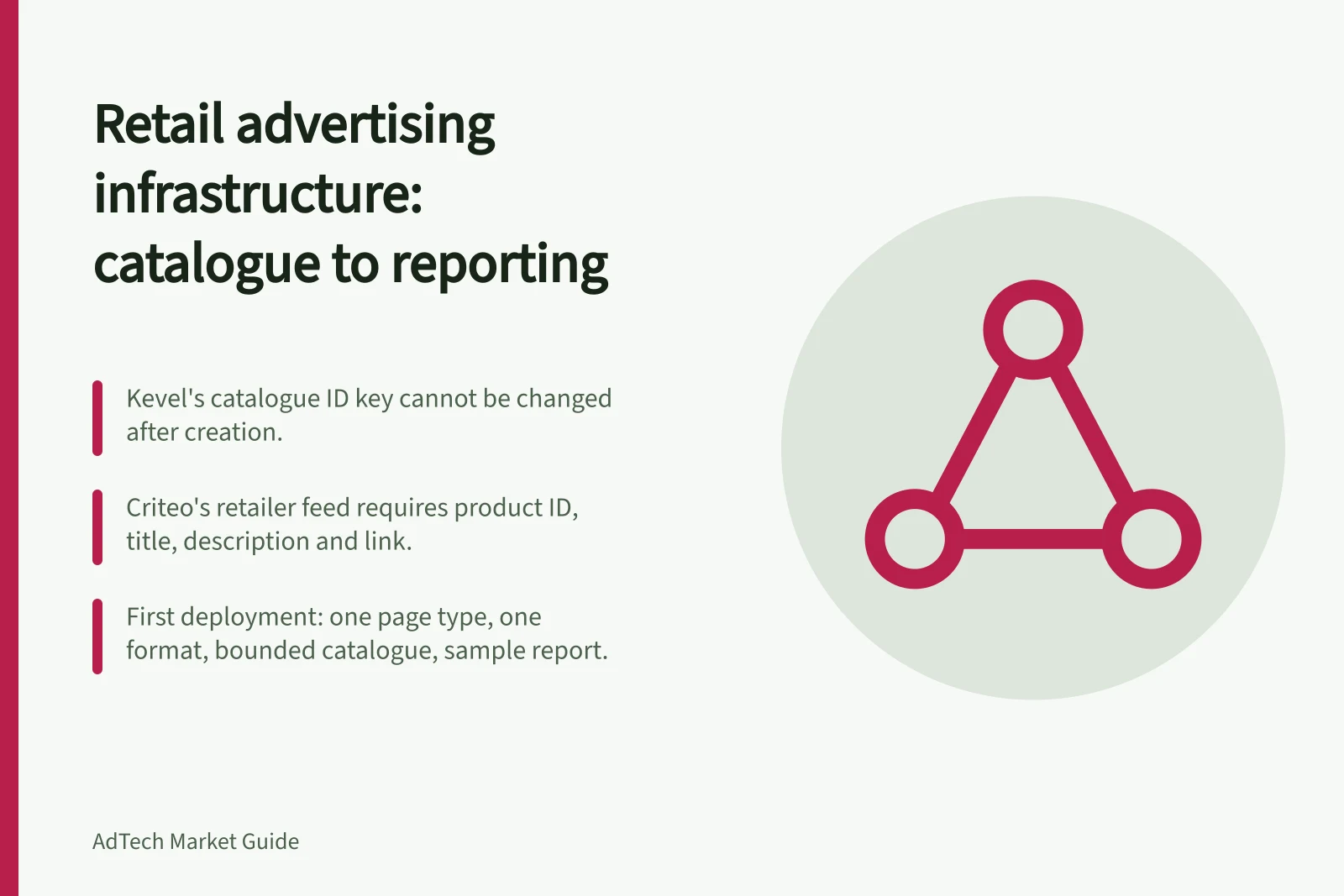
The schema depends on the provider. Criteo's current retailer feed documentation identifies product ID, title, description and link as required fields.
Kevel lets retailers define catalogue attributes, but its catalogue ID key cannot be changed after creation. Neither rule guarantees accuracy if the retailer sends stale data.
In a Kevel-style catalogue definition, the only required property is a unique identifier for items, such as a SKU. Search keys are optional: a price key can support queries such as items above $50 or between $100–$500, and a category key can find shirts or blouses.
Catalogue schema requirements: Criteo and Kevel
- Criteo required fieldsProduct ID, title, description and link
- Kevel required propertyA unique identifier for items, such as a SKU
- Kevel optional search keysPrice key can support queries such as items above $50 or between $100–$500; category key can find shirts or blouses
- Kevel catalogue ID ruleCatalogue ID key cannot be changed after creation
Control buyers and audiences
A marketplace needs rules for seller and brand eligibility, campaign approvals, placement exclusions and ad labelling. Check the interface each buyer will actually use. Kevel says its catalogue access settings restrict product selection in Console, while its managed-service Ad Server UI does not apply those restrictions in the same way.
Treat audiences as a separate asset. Record how a group is defined, which advertisers may use it, where it may be activated and what happens when a shopper's choice changes. An audience count does not establish deliverable impressions.
For Australian operations, review the actual data path and applicable privacy obligations.
Advertiser records can carry daily or lifetime revenue caps, placement limits per request and frequency capping. Segment access can be limited to a defined subset before an advertiser targets users in Kevel Console, and the same restriction can be set through the API. Catalogue access settings select a catalogue and one or more brand IDs.
Buyer and audience controls to define
- Seller and brand eligibility
- Campaign approvals
- Placement exclusions
- Ad labelling
- Audience definition
- Advertiser access
- Activation destinations
- Shopper choice handling
- Australian privacy obligations for the data path
Kevel catalogue access restrictions: Console vs managed-service Ad Server UI
- Kevel ConsoleCatalogue access settings restrict product selection
- Managed-service Ad Server UIDoes not apply those restrictions in the same way
- APIThe same segment access restriction can be set through the API
- Advertiser recordsCan carry daily or lifetime revenue caps, placement limits per request and frequency capping
Monetise inventory and first-party data
Criteo Commerce Yield describes yield monetisation tools for commerce inventory and first-party data. Its supply-side reports monitor monetisation revenue, with yield management and data rate management. Demand-side private market tools cover campaign creation, optimisation, creatives, audiences and bid management.
Criteo Commerce Yield: supply-side vs demand-side tools
- Supply-side reports
- Monitor monetisation revenue, with yield management and data rate management
- Demand-side private market tools
- Campaign creation, optimisation, creatives, audiences and bid management
Define the report before integration
Delivery, clicks, attributed sales and incremental sales answer different questions. Agree on the eligible sale population, product-match rule, click and view windows, time zone, returns treatment and unmatched shoppers before relying on a dashboard figure.
For a first deployment, specify one page type, one format, a bounded catalogue and a sample report. Trace an authorised test item to a rendered ad, and confirm which permitted events feed reporting. Expand access when the owners can explain the handoffs and unresolved cases.
Define before integration: reporting questions to agree
- Eligible sale population
- Product-match rule
- Click and view windows
- Time zone
- Returns treatment
- Unmatched shoppers
- Australian Retail Media Measurement Principles and Guidance
Extend the same controls offsite and in store
Microsoft Retail Media describes an omnichannel program across onsite, offsite and in-store. Onsite native product ads target high-intent shoppers at the bottom of the funnel.
Offsite uses first-party data to bring shoppers back from third-party properties such as social media, and can extend onsite product ads to Microsoft properties like Bing using unspent advertiser budgets.
In-store is described as a pilot that reaches shoppers not reachable online through a unified retail media platform with omnichannel measurement and reporting.
Microsoft Retail Media channels: onsite, offsite and in-store
- OnsiteNative product ads target high-intent shoppers at the bottom of the funnel
- OffsiteUses first-party data to bring shoppers back from third-party properties such as social media; can extend onsite product ads to Microsoft properties like Bing using unspent advertiser budgets
- In-storeA pilot that reaches shoppers not reachable online through a unified retail media platform with omnichannel measurement and reporting
In this guide
- Comparing retail ad servers and marketplace monetisation toolsCompare Kevel, Criteo Commerce Yield and Microsoft Retail Media by serving, buyer access, catalogue and reporting needs.
- Connecting product catalogues to sponsored listing systemsPlan item IDs, feed mappings, stock updates and checks for a retailer sponsored listing integration.
- Evaluating retailer-controlled audience accessCheck segment definitions, advertiser permissions, activation destinations and Australian privacy review for retailer audiences.
- Reviewing retailer measurement data flowsTrace retail ad events to sales reports, check attribution settings and distinguish credited sales from incremental effects.